You’ve officially tossed the cap and traded the dorm room for a desk. Congratulations! But here’s the reality check: that system you used to ace your finals? It’s probably going to fail you by next Tuesday.
In college, you likely focused on mastering textbook notes to survive a semester. In the professional world, the "semester" never ends, and there is no final exam to study for. Instead, you're hit with a constant stream of meetings, Slack threads, and industry updates.
Mastering digital note-taking for graduates isn't just a "nice-to-have" organizational skill. It’s about building a system that transforms a messy inbox into a high-value professional asset. If you want to stay ahead without burning out, you need to change the way you think about information.
The Shift: From Academic Lectures to Professional Meetings
In the classroom, your notes had a "sell-by date." Once the blue book was handed in, those notes usually ended up in the digital trash bin. In your career, however, your notes are living documents.
The biggest hurdle? Moving from capturing for exams to capturing for action.
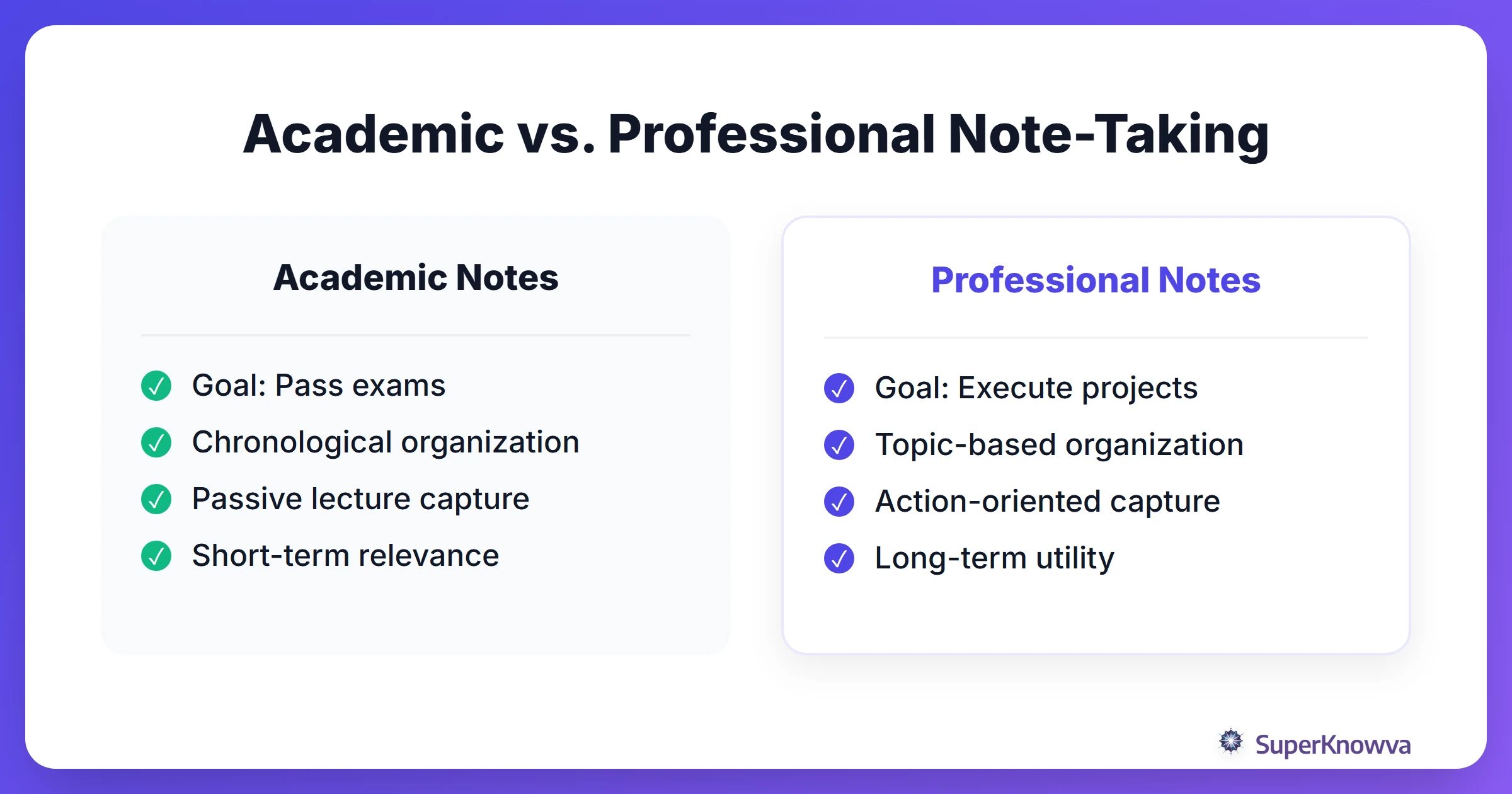
When you're sitting in a project kickoff, you aren't looking for themes that might show up on a multiple-choice test. You’re hunting for deliverables, deadlines, and the subtle preferences of your stakeholders.
Most students organize notes chronologically. Think "Fall 2025" > "Economics 101." In a fast-paced career, that structure falls apart instantly. You need project-based organization.
Stop filing notes by the date they happened. File them by the project they support. When a client asks about a specific decision made three months ago, you shouldn't be scrolling through a timeline; you should be looking at that project's specific history. Remember: your notes should serve you three years from now, not just three weeks from now.
Choosing Your 'Forever' App: Notion, OneNote, or Evernote?
Many of the best study apps you used for exams are world-class professional tools. The right choice depends entirely on your industry and workflow.
- Microsoft OneNote: This is the corporate workhorse. If your new office lives in the Microsoft 365 suite, OneNote is a no-brainer. It plays perfectly with Outlook and Teams, and it feels like a digital version of those three-ring binders you used in middle school.
- Notion: The darling of startups and creative agencies. It’s essentially a Lego set for your brain. You can link notes, build custom task boards, and create a personal wiki. If you love a database-style layout, this is your home.
- Evernote: The OG choice for search junkies. As The Search for a Perfect Note System points out, a powerful search function is the "make or break" feature when you ditch paper. Evernote’s web clipper is still the best in the business for saving articles and PDFs.
Your workflow should dictate your tool. Handling heavy data? Go with Notion. Stuck in back-to-back corporate meetings? OneNote is your best friend.
Building a Searchable Knowledge Base (The Second Brain)
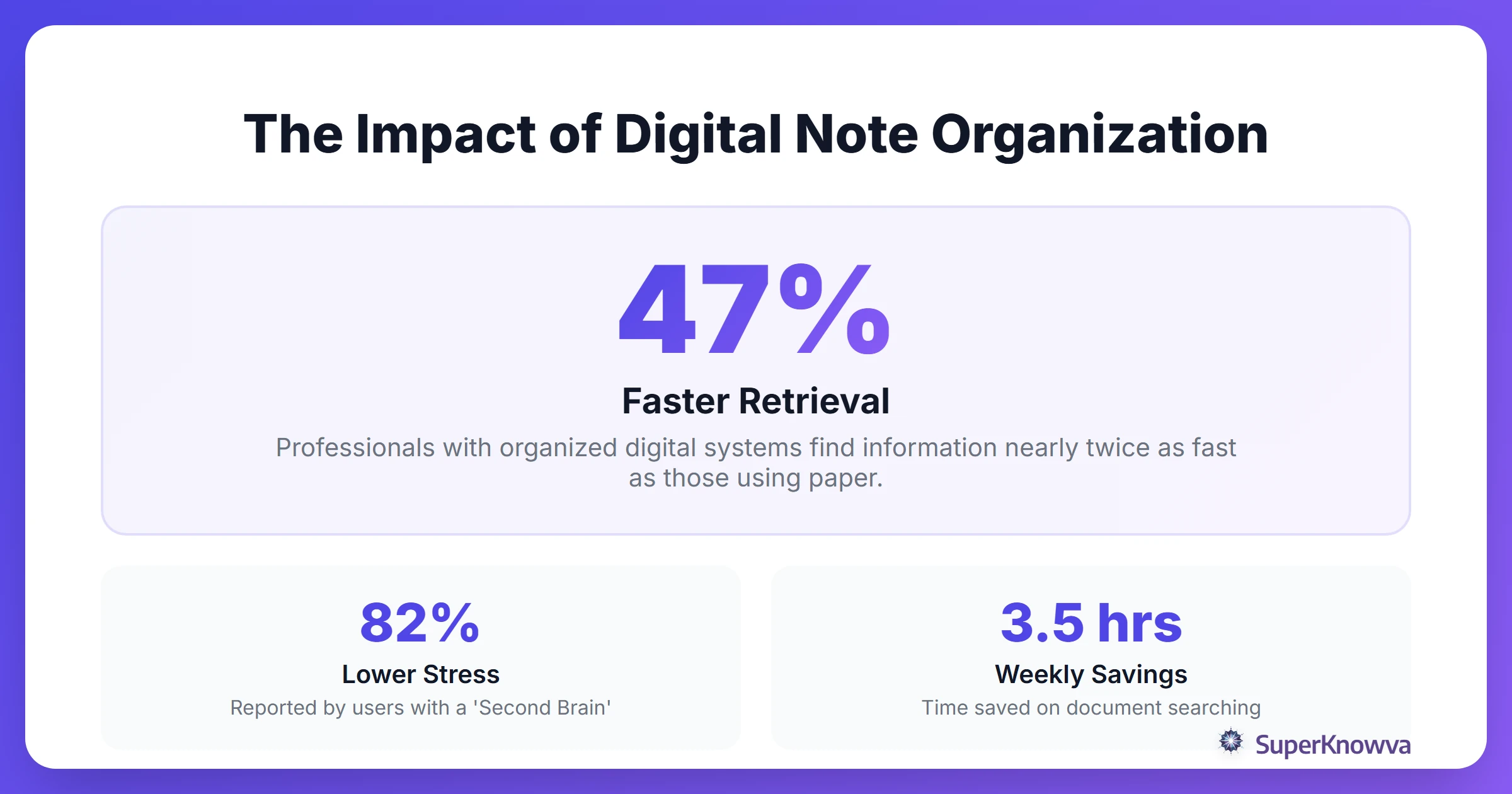
As a young professional, you will receive more information than you can remember. Do not try to memorize it. Instead, build a "Second Brain," a digital system that organizes your knowledge for you.
To make this work, you have to move past simple folders and embrace tags. Folders are great for broad buckets (like "Marketing Projects"), but tags allow you to connect dots across different projects (think #Strategy, #ClientFeedback, or #Budget).
And what about those old college notes? Don’t hit delete just yet. Archive them in a "Legacy" folder. You’d be surprised how often a random theory from a senior seminar suddenly becomes relevant during a high-level strategy session.
While you're at it, start a "Commonplace Book." This is a single landing spot for industry trends, cool articles, and professional insights that don’t fit into a specific project but help you grow as a leader.
Managing Multimedia and PDFs in a Professional Context
Workplace "notes" are rarely just plain text. You often handle whitepapers, annual reports, and 50-page industry PDFs. As Benefits of Digital Note Taking highlights, the primary benefit is accessibility. This allows you to pull up a complex document from your phone while in a taxi or working from a coffee shop.
To keep the chaos at bay:
- Annotate directly: Stop taking notes about a PDF in a separate document. Use tools that let you highlight and comment directly on the source material so your insights stay attached to the data.
- Use OCR: Optical Character Recognition lets you search for text inside images, such as that blurry photo of a whiteboard you took after a brainstorming session.
- Integrate transcripts: If you're using AI tools to record meetings, do not let the recording sit idle. Embed the transcript into your project notes so you never lose the reasoning behind a major pivot.
Pro tip: Using active recall strategies can help you master company jargon and policies during your first 90 days. Treat those boring HR manuals like a study guide, and you'll look like a seasoned pro in half the time.
Digital Hygiene: Keeping Your Professional System Lean
The biggest threat to your productivity isn't a lack of info. It's "digital clutter." Without a little maintenance, your Second Brain will quickly turn into a digital junk drawer.
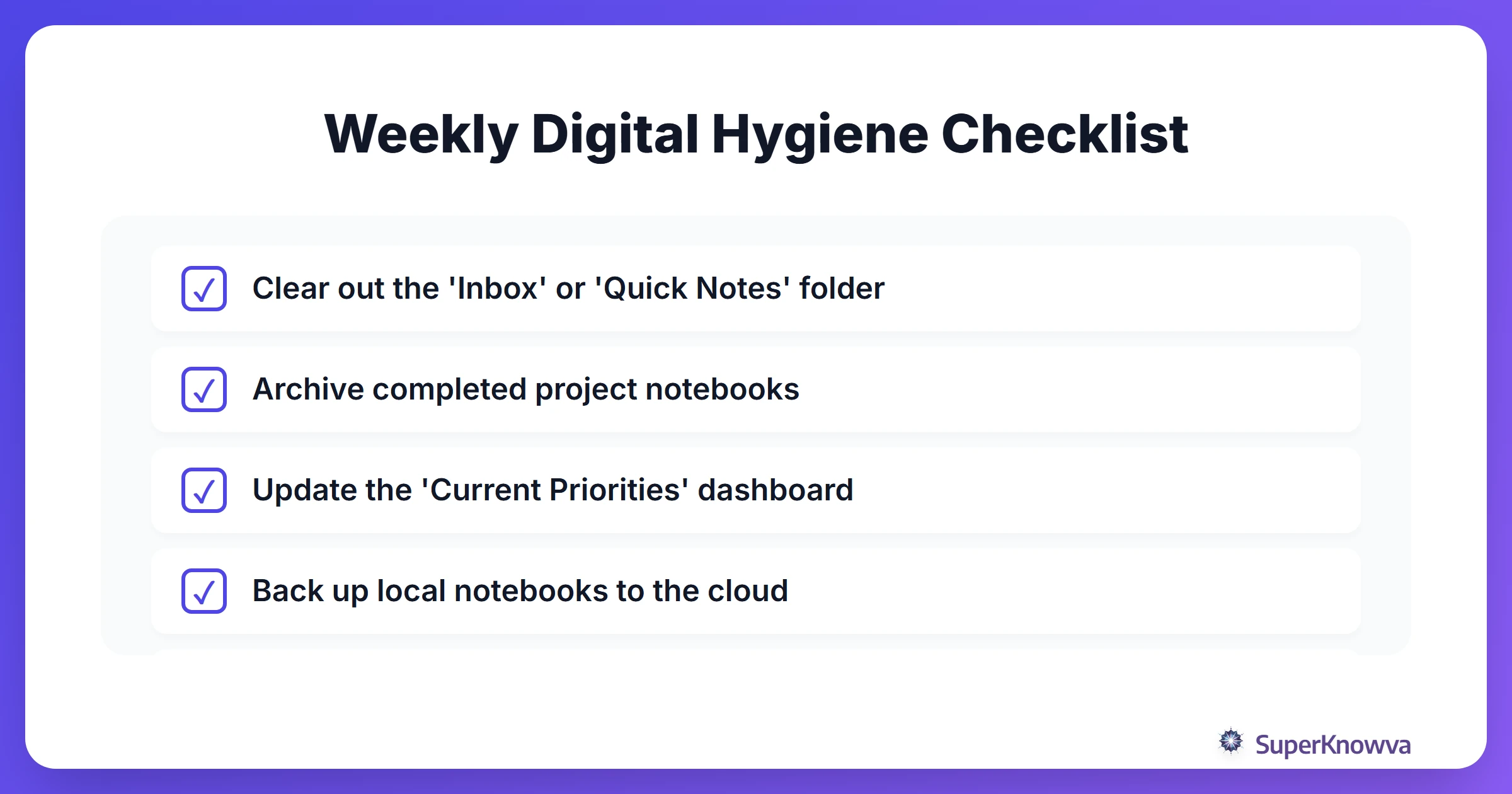
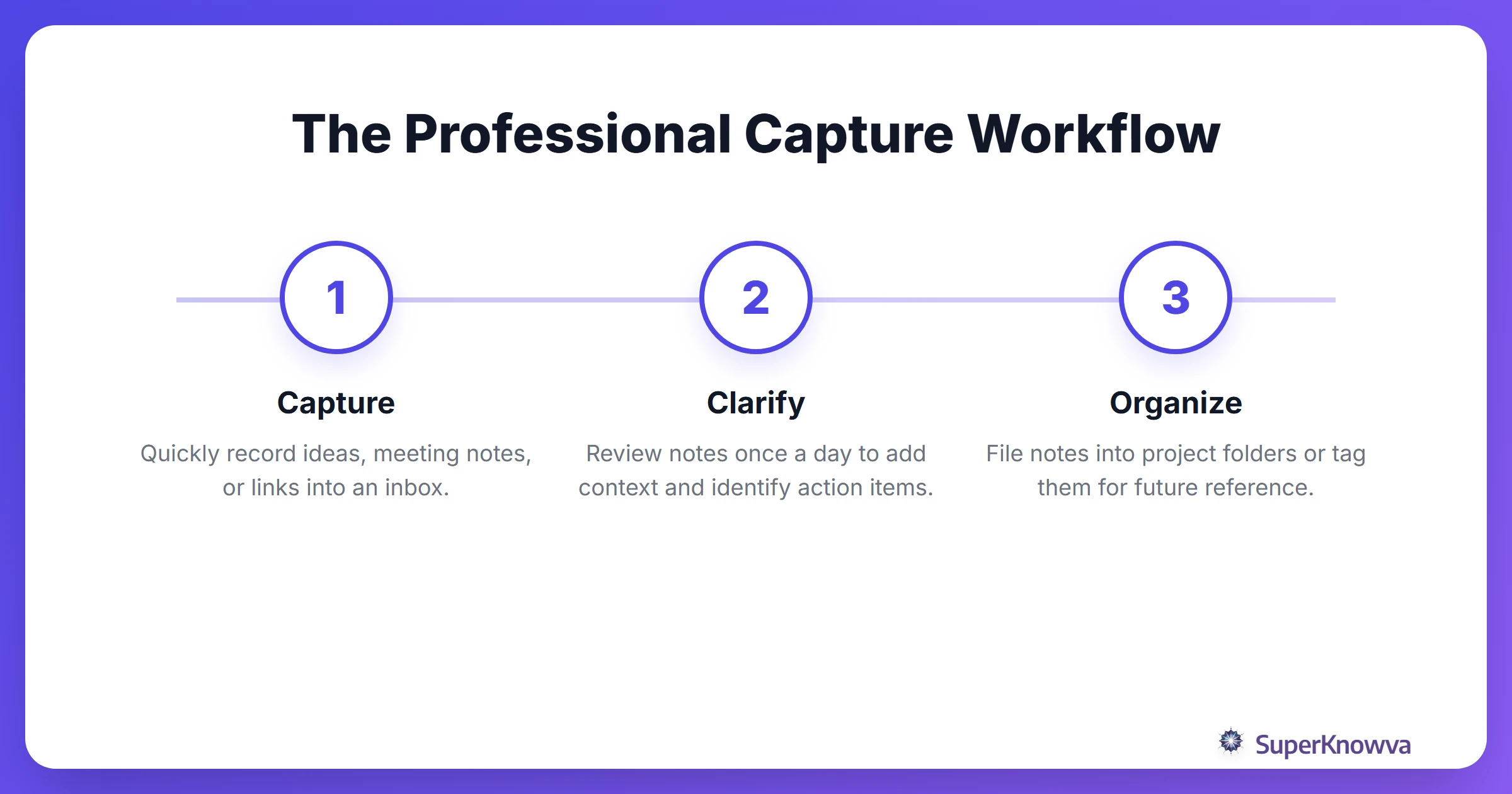
Don't let it pile up. Try a 5-minute daily review before you close your laptop. Clean up your quick notes, fix your typos, and file them where they belong. Once a week, do a quick audit to move finished projects into the archive. This keeps your active sidebar lean and your mind focused.
Security is critical. Most companies have strict rules about where work data lives. Keep personal journals and side-hustle ideas in a separate account from professional notes. Always back up your knowledge base to a secure cloud. Losing years of professional notes because of a spilled latte is a mistake you only want to make once.
By evolving your habits today, you aren't just staying organized for next week. You're building a proprietary database of knowledge that will fuel your career for the next thirty years.