We’ve all been there. It’s day one of the semester, and you’re staring at a fresh stack of syllabi. Your brain is already doing the math: dozens of deadlines, hundreds of pages of reading, and those high-stakes exams that basically decide your GPA. It’s enough to make anyone want to close their laptop and go back to bed.
Traditionally, students spent hours manually typing dates into a Google Calendar. It’s tedious, and let’s be honest, it’s easy to miss a deadline hidden in the fine print. But what if you could just upload course syllabi to SuperKnowva and let AI handle the heavy lifting?
In this guide, we’ll show you how to turn those static PDFs into a dynamic, interactive roadmap for your most successful semester yet.
The Power of an AI-Driven Syllabus
Manual planning is a grind. It’s a one-and-done task that usually gets ignored by week three. When you use an AI study planner, you aren't just looking at a list of dates; you’re interacting with a system that actually understands your course.
SuperKnowva doesn't just "read" your syllabus; it deconstructs it. While a standard calendar tells you when an exam is, SuperKnowva identifies what will be on it by analyzing the weekly topics and learning objectives. By converting static dates into actionable study tasks, you get a comprehensive look at the AI study platform that keeps you ahead of your professor’s lecture schedule.
Preparing Your Documents for Success
Before you hit the upload button, a little prep work goes a long way. Think of it this way: the cleaner the document, the sharper the study plan.
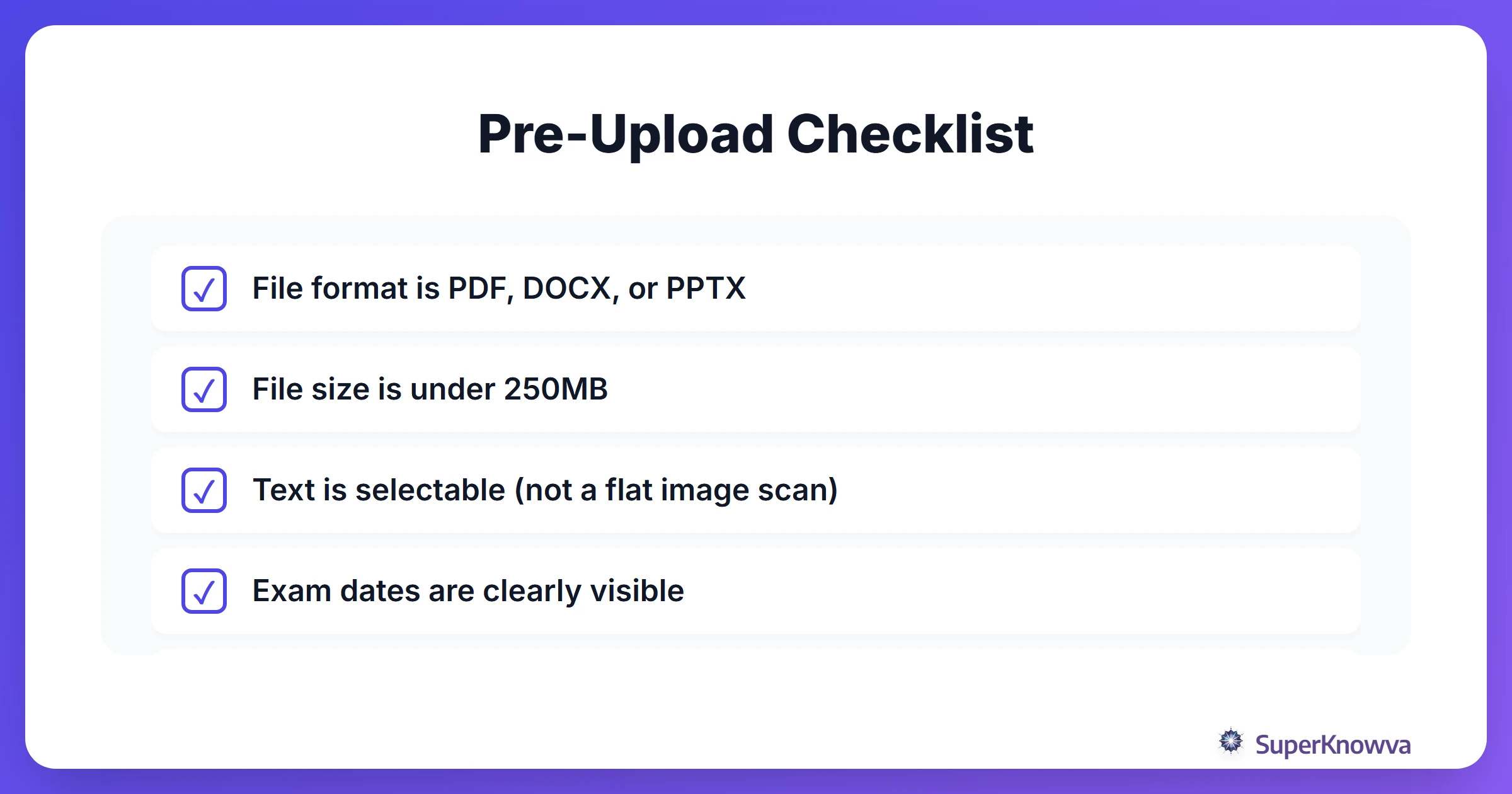
SuperKnowva supports the usual suspects: PDF, Word (DOCX), and PowerPoint (PPTX). While the platform can handle files up to 250MB, your syllabus is likely much smaller. The real trick? Make sure your document has selectable text. If it’s a blurry photo of a printed page, the AI might struggle. If you’re hunting for the best study methods discussed on Reddit, you’ll notice that organization is the common thread in every success story.
Step-by-Step: Uploading to SuperKnowva
Ready to clear your desk? The process is fast. You’ll go from a cluttered desktop to a structured plan in about thirty seconds.
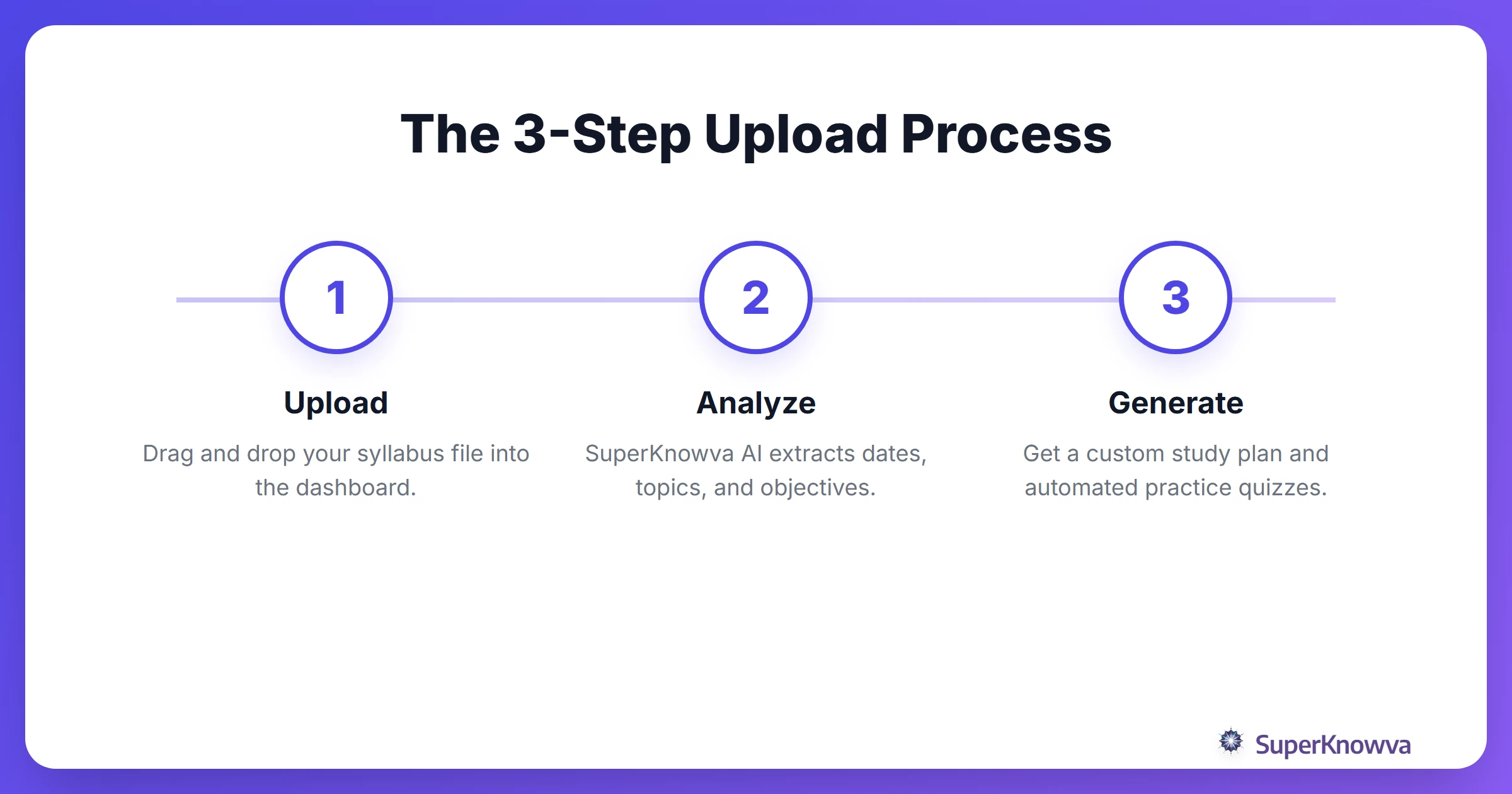
- Head to the Dashboard: Log in and find the "Upload Study Materials" section.
- Drag and Drop: Toss your syllabus file right into the interface.
- Give it Context: This part is key. Select your school or specific subject (like Organic Chemistry or Macroeconomics). This helps the AI understand the specific terminology and "vibe" of your course.
Need a more visual walkthrough? Check out our comprehensive step-by-step tutorial.
From Static Document to Dynamic Study Plan
Once you upload course syllabi to SuperKnowva, the AI scans for midterms, project deadlines, and heavy reading assignments to map them out.
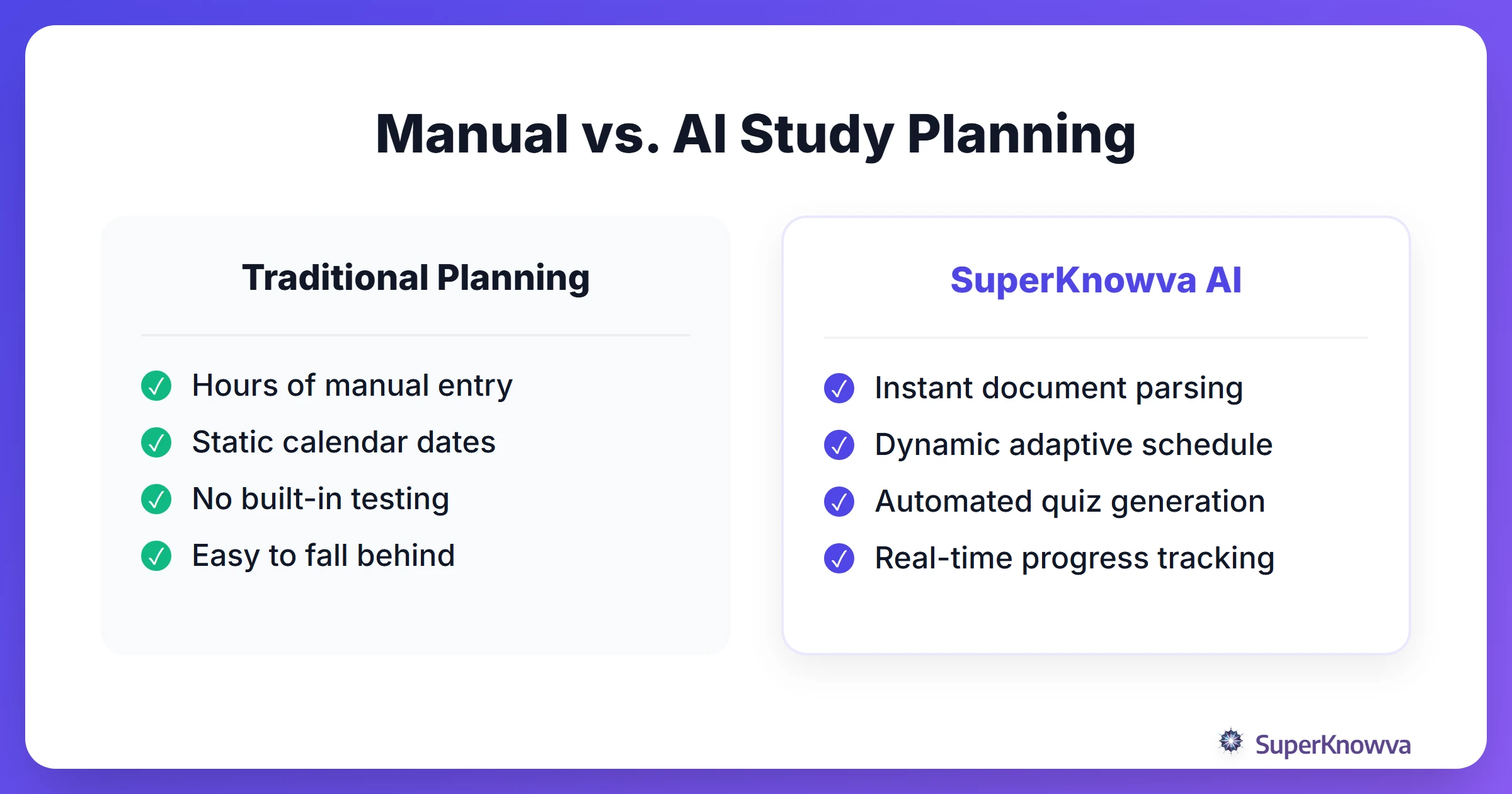
This automated study schedule is flexible. You can tell the AI your preferred learning style or adjust the pace if you feel overwhelmed. If you have a part-time job or practice on Tuesday nights, you can customize your study milestones to fit your actual life. Whether you are on the free tier or exploring SuperKnowva pricing plans, turning a PDF into a plan makes staying organized simple.
Generating Interactive Quizzes from Your Syllabus
Why wait until the night before the exam to find out you don't know the material? One of SuperKnowva’s most popular tools is the AI quiz generator from syllabus.
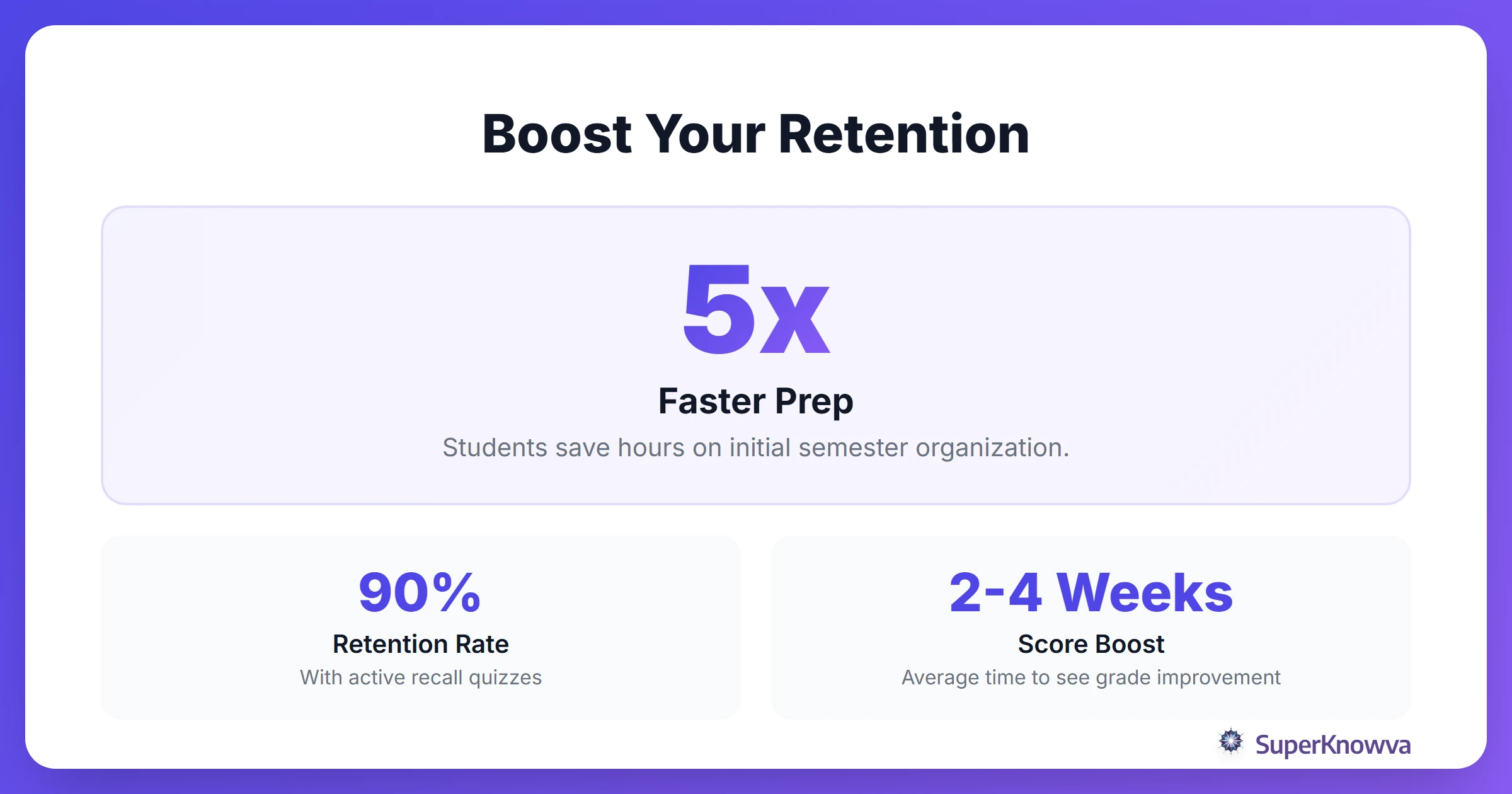
The AI uses the learning objectives it found in your syllabus to create practice tests that actually feel like the real thing. You can even "chat" with your syllabus. Ask it, "What are the three main themes I need to know for the week 4 quiz?" This kind of active engagement, paired with effective strategies for complex subjects, ensures you’re mastering the material rather than just memorizing it.
Monitoring Your Semester Progress
As the weeks blur together, SuperKnowva keeps you grounded with its Analytics dashboard. It’s like a GPS for your GPA. You can see exactly which parts of the syllabus you’ve mastered and which topics are still "red zones."
This data lets you fix knowledge gaps before they become a problem on finals week. And if your professor pulls a fast one and changes the schedule mid-semester? No problem. Just update your plan. Staying proactive is the single best way to improve your study habits and keep the "Sunday Scaries" at bay.
Don't let your syllabus gather digital dust in a folder. Upload it to SuperKnowva today and see what it’s like to actually stay ahead.