Ever stared at a 500-page textbook and felt your soul leave your body? You aren't alone. Most of us spend hours highlighting entire paragraphs, only to realize at 2:00 AM that we haven't actually absorbed a single word. It’s the "illusion of competence," and it's a productivity killer.
This is where SuperKnowva document analysis steps in. Instead of passively scrolling through endless pages, you can turn those static files into dynamic study partners that actually talk back, quiz you, and simplify the jargon that’s keeping you up at night.
In this breakdown, we’ll show you how to master the SuperKnowva file upload features to stop wasting time and start actually learning.
Stop Reading, Start Interacting: Why Your PDFs Should Talk Back
Passive reading is dead. When you use SuperKnowva, you aren't just opening a file; you’re creating a "living" document. The platform goes way beyond a standard PDF reader. It uses an AI textbook analyzer to grasp the context, tone, and core goals of your material.
Whether you’re a med student memorizing every bone in the body or an engineering major trying to make sense of fluid mechanics, the "Upload Slides" workflow changes everything. You move from a static screen to an interactive environment. To get the workflow down, check out this step-by-step tutorial for students and see how to make every upload count.
What Can You Actually Upload?
To build a digital library that actually helps you pass, you need a tool that handles whatever your professors throw your way. SuperKnowva supports a massive range of file types so nothing gets left behind.
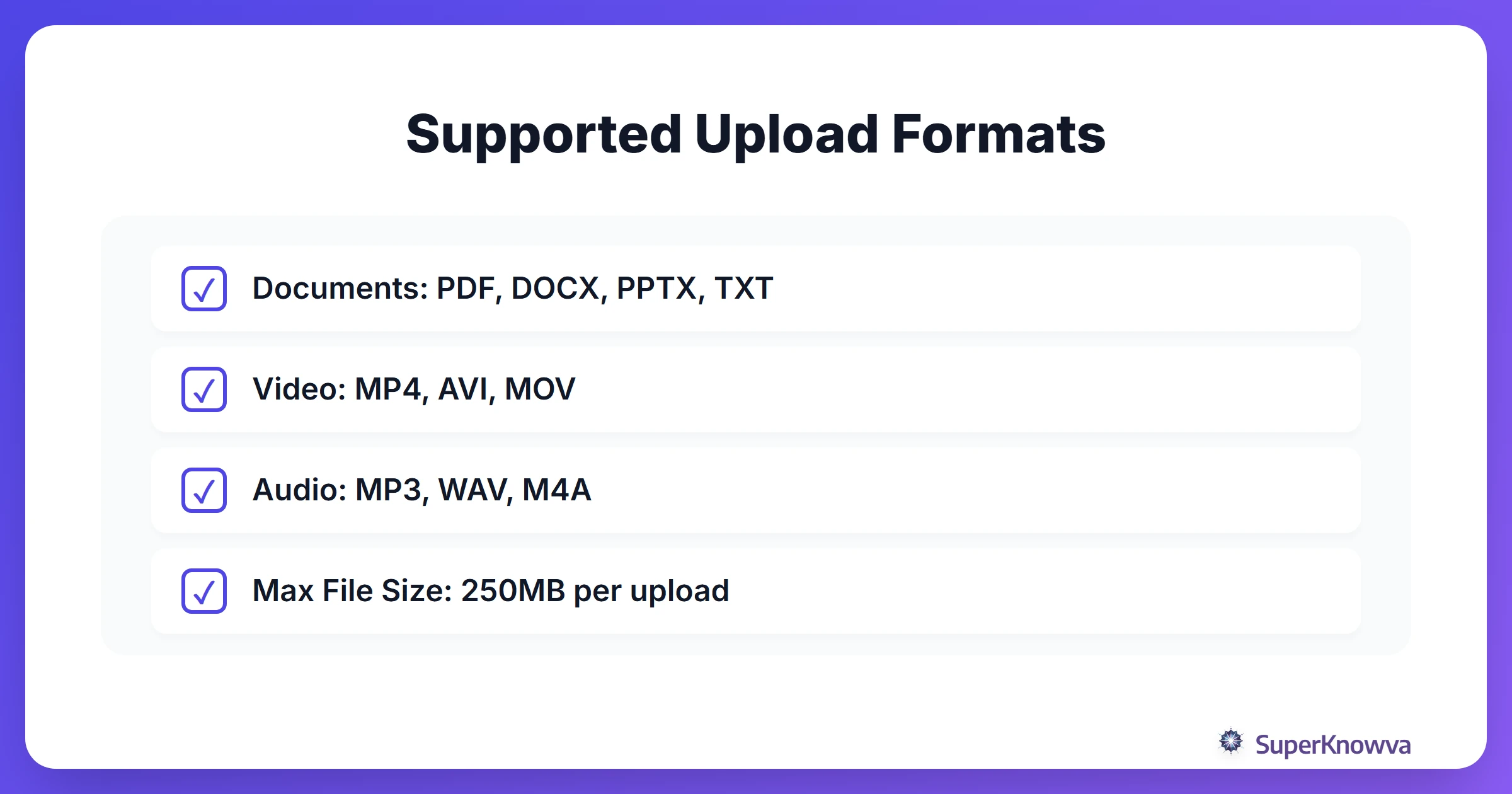
- The Classics: Upload your PDFs, Word docs (DOCX), PowerPoint slides (PPTX), and standard text files (TXT).
- Multimedia: SuperKnowva handles audio and video, too. You can upload MP4, MOV, MP3, and WAV files to analyze recorded lectures or those long YouTube tutorials.
- The Fine Print: To keep things fast and accurate, there’s a 250MB file size limit per upload. This ensures the AI can scan and index your content almost instantly, so you no longer have to stare at a loading bar.
From "Just a File" to Instant Insights
Once you hit upload, the real work begins. SuperKnowva doesn't just "read" the text; it performs a deep semantic analysis. While old-school tools just use basic OCR to turn images into text, SuperKnowva’s smart study materials engine identifies the actual learning objectives.
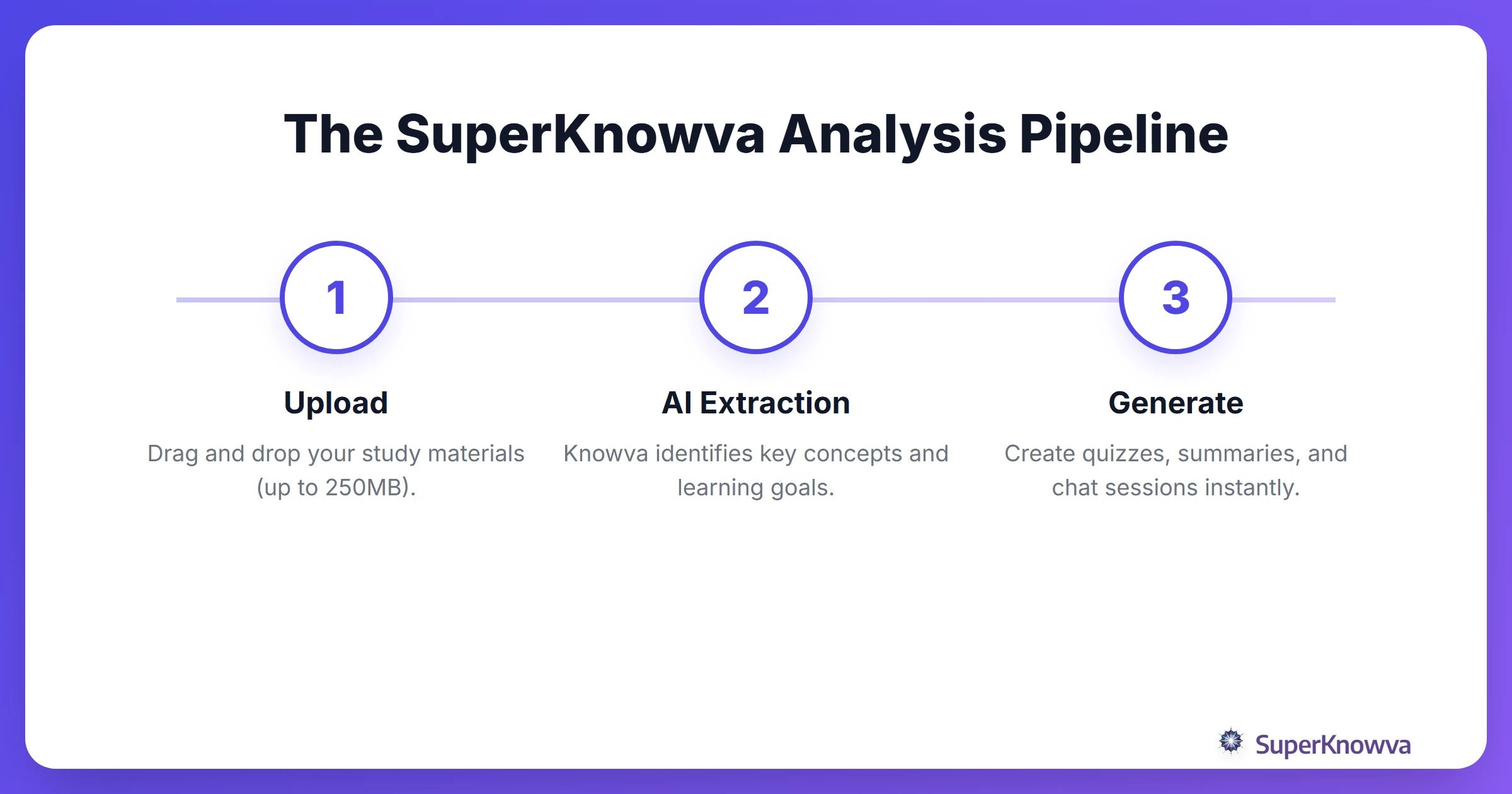
The best part? It’s specialized. The AI understands the difference between academic disciplines. If you’re studying Law, it hunts for case precedents and statutes. In Medicine? It prioritizes symptoms and pathologies. This means the insights you get are actually relevant to your field. For more on how this works, take a look at our comprehensive features overview.
Instant Quizzes: Because No One Likes Surprises on Midterms
The coolest feature? The ability to convert PDF to quiz formats in seconds. Using the data from your upload, SuperKnowva acts as an AI study guide generator, building questions tailored specifically to your exact textbook.
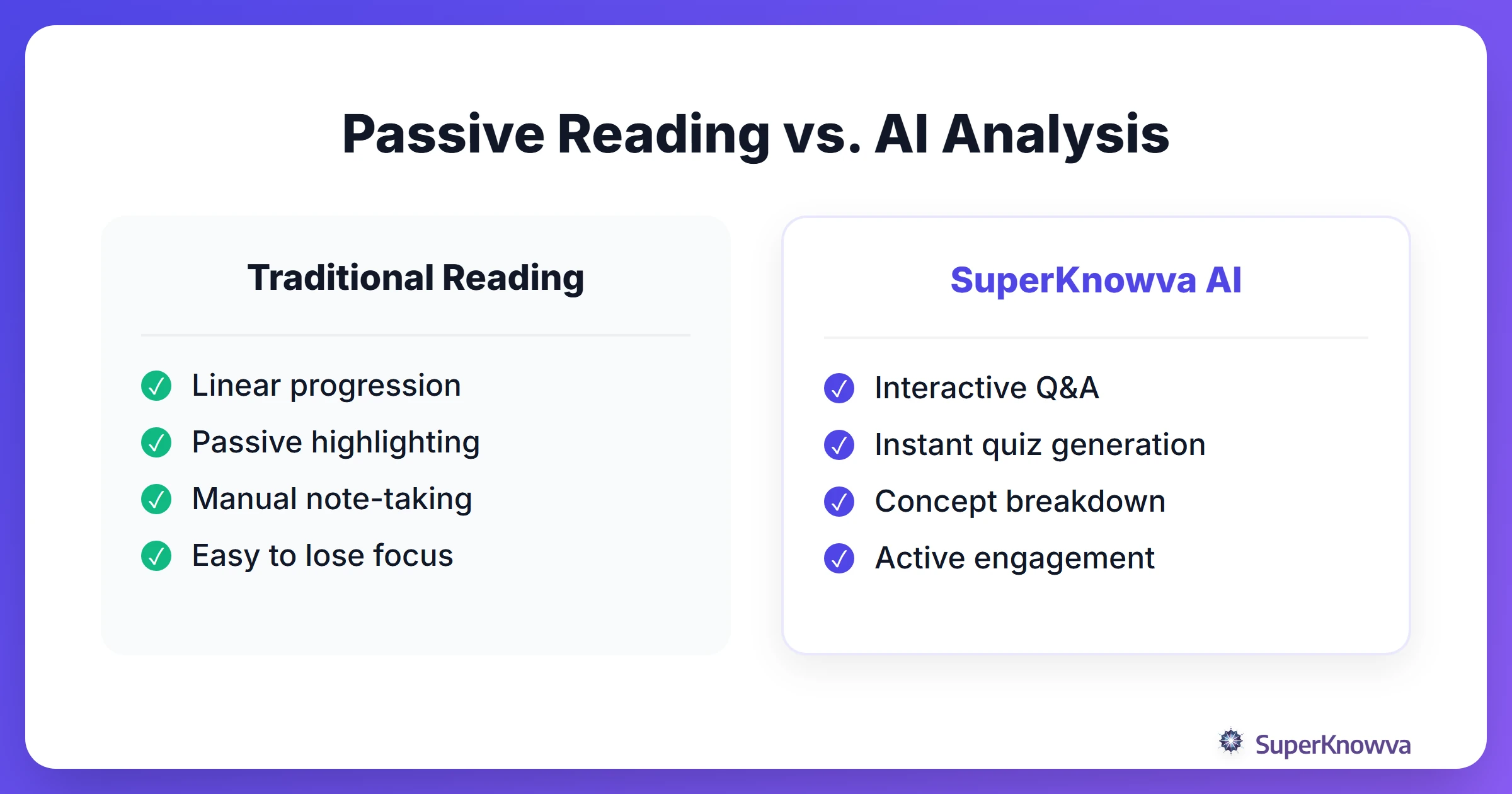
This triggers active recall, the most effective method in learning science. Instead of reviewing what you already know, the AI identifies gaps in your knowledge. You can even refine these questions to match the format of your upcoming exam.
"Ask AI": Chatting Directly with Your Documents
Ever hit a paragraph in a technical manual that felt like it was written in a foreign language? The "Ask AI" feature lets you query specific sections of a document directly.
You can ask things like, "Explain the concept on page 42 like I'm five," or "What are the three main arguments in this chapter?" It’s the perfect way to break down complex jargon. Plus, you can jump back into saved conversations whenever you want. Recent SuperKnowva AI Chat Updates have made these interactions feel more like a conversation and less like a search engine.
Organizing Your Library for the Long Haul
As your files pile up, organization is your best friend. Pro tip: name your files by course code and topic (e.g., "BIO101_Cell_Mitosis") to make them searchable in a heartbeat.
When choosing a plan, keep your workload in mind:
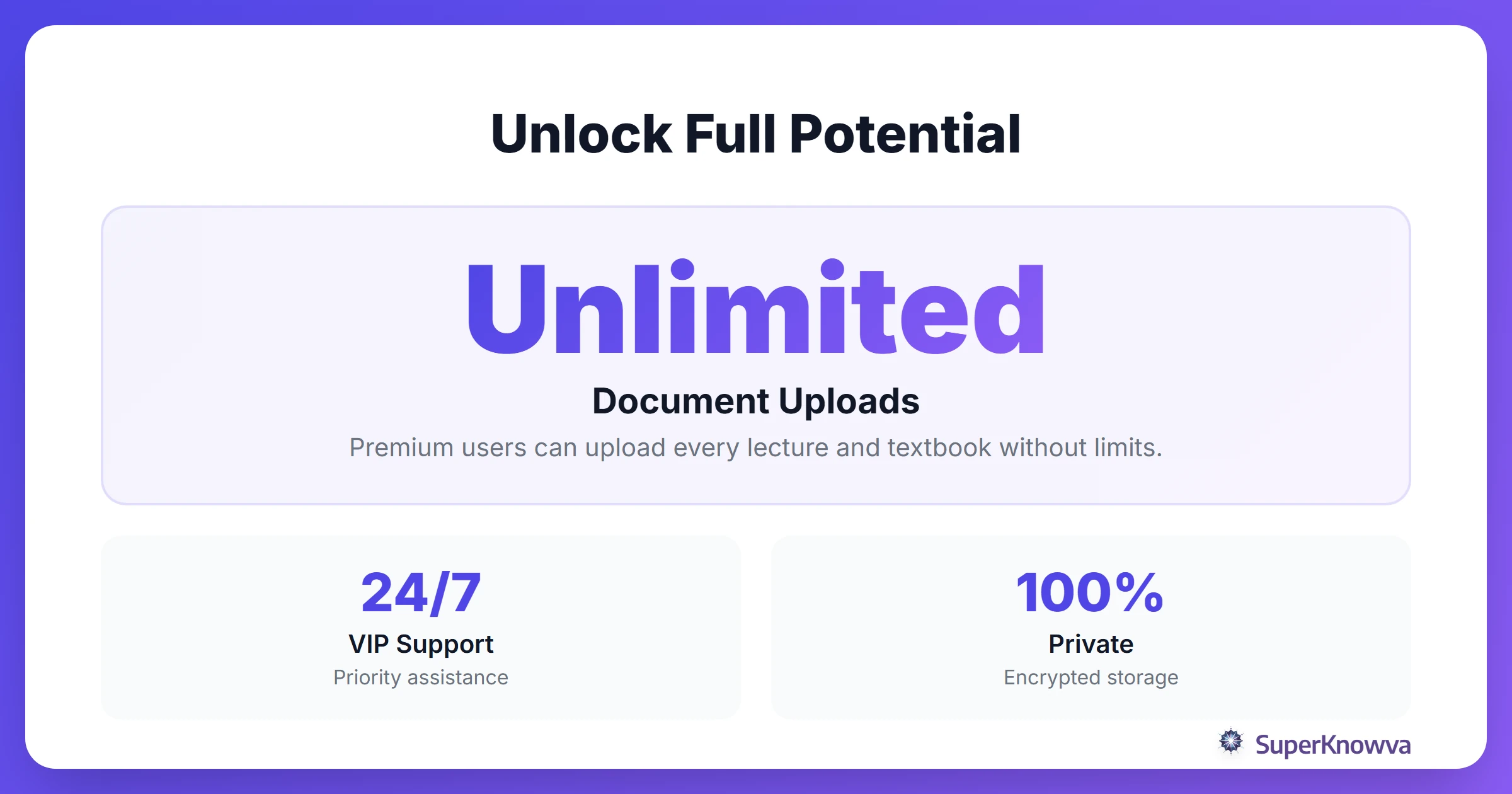
- Basic Plan: Includes 20 document uploads for your initial projects.
- Premium Plan: Includes Unlimited uploads. Store your entire degree, including lectures, slides, and textbooks, in one spot. Compare the details on the SuperKnowva pricing plans page.
And don't worry about your data. All uploads are private, encrypted, and yours alone. If you're still on the fence about whether is SuperKnowva worth it?, the power of having your entire curriculum searchable and interactive usually settles the debate.
Ready to stop scrolling and start passing? Head over to the SuperKnowva Official Site and upload your first document today.