Five classes. Five different professors. Five massive PDFs downloaded in August and rarely opened since. For most students, the syllabus is a "terms and conditions" document. We know it is important, but we rarely actually read it.
But what if that static file wasn't just a list of dates, but a live, interactive roadmap? By uploading syllabi to SuperKnowva, you stop guessing what’s on the exam and start letting an AI study companion do the heavy lifting for you.
In this guide, we’ll show you how to turn those boring documents into a dynamic plan that ensures you never miss a deadline or a key concept again.
Why Your Syllabus is Your Secret Study Weapon
Think of your syllabus as a blueprint. It’s the one place where your professor tells you exactly what they expect you to know by finals week. The problem? Turning "Module 3: Molecular Biology" into an actual study plan is exhausting.
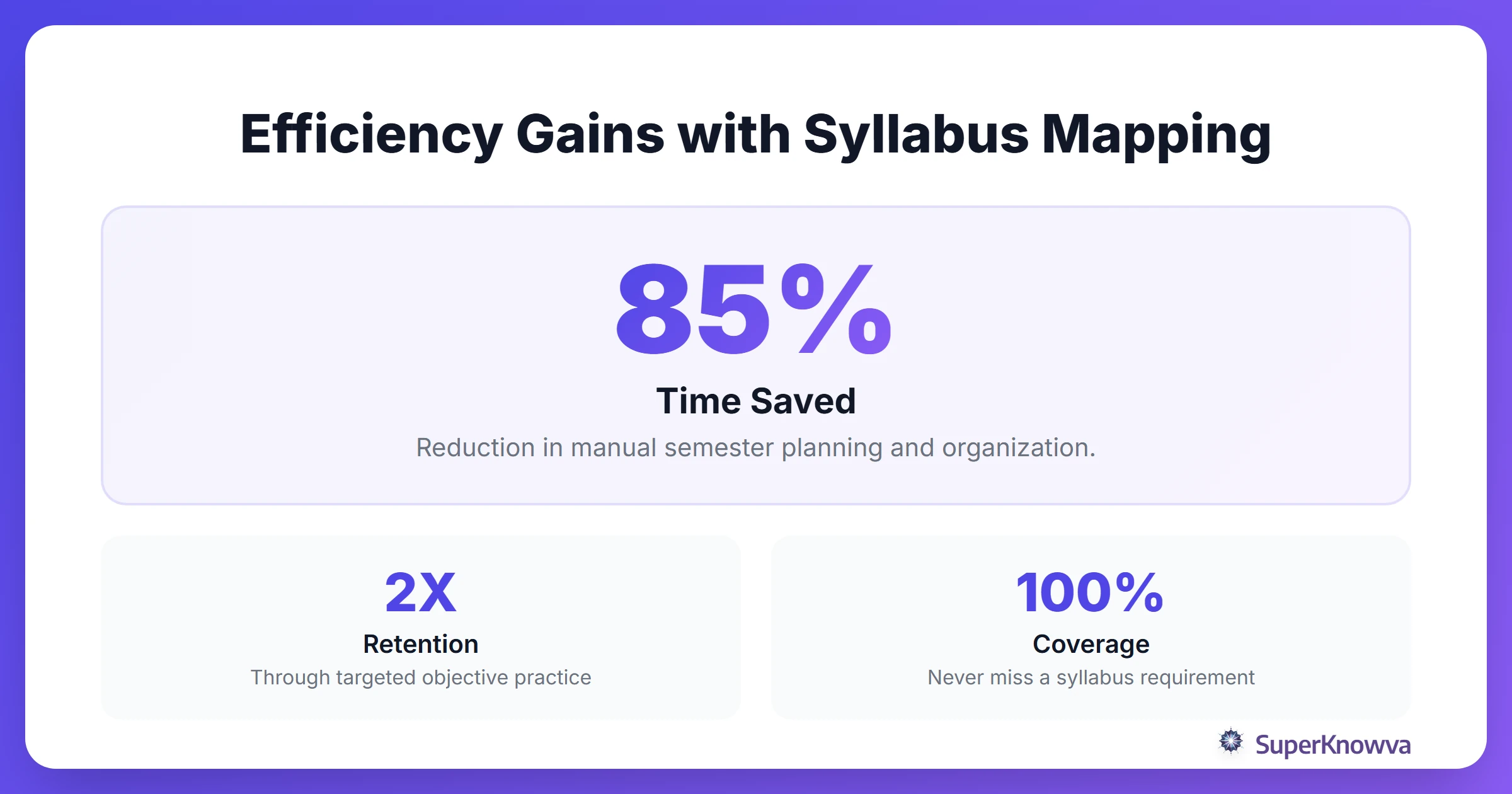
Why waste hours manually cross-referencing your notes when you can automate the process? When you bring your syllabus into SuperKnowva, the platform transforms it into an interactive guide. It identifies the core learning objectives so your study sessions stay laser-focused on what actually matters. It’s the first real step in how SuperKnowva can help you improve your study habits.
Step-by-Step: Uploading Your Syllabus to the Platform
Ready to get organized? The process is simple. It takes less time than making a cup of coffee. Follow these steps to start your SuperKnowva tutorial:
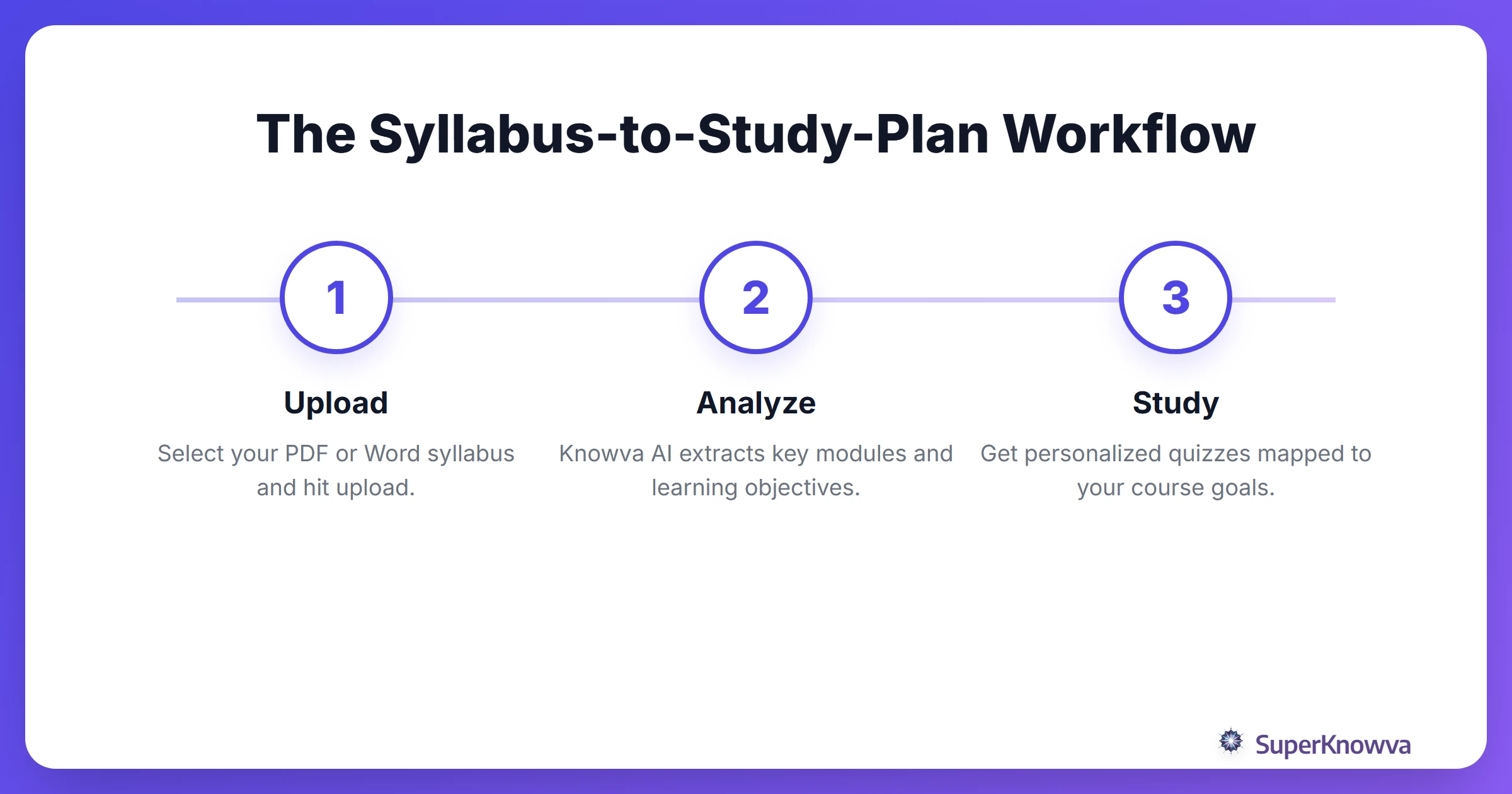
- Head to Your Dashboard: Log in and jump over to the "Upload Files" or "My Courses" section.
- Pick Your File: Hit the upload button and grab your syllabus from your laptop or phone.
- Let the AI Work: Click "Upload." Our AI immediately starts scanning the document for dates, modules, and those all-important learning objectives.
Supported File Formats and Technical Specifications
To get the most accurate learning objectives mapping, you’ll want to make sure your files are in a format our AI can easily digest.
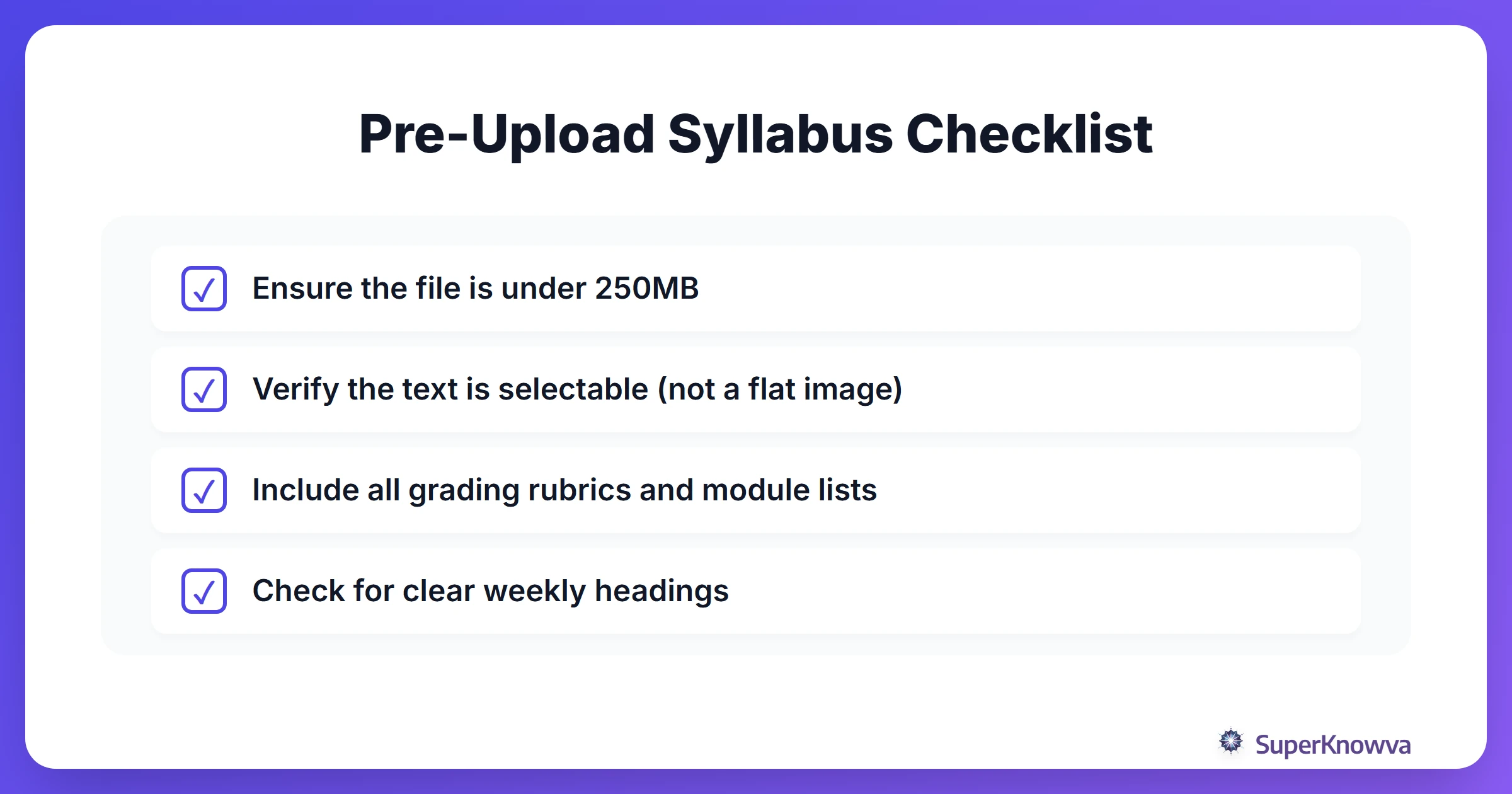
- Compatible Formats: We support PDF, Word (DOCX), and PowerPoint (PPTX).
- Keep it Light: Try to keep your files under 250MB to ensure the fastest processing.
- Check for Readability: If you’re uploading a scanned PDF, make sure it’s text-readable (OCR). If you can’t highlight the text with your cursor, the AI might struggle to "read" it too.
How SuperKnowva AI Maps Your Learning Objectives
Once your file is in the system, the real magic happens. SuperKnowva uses natural language processing to hunt down "learning points" and exam topics hidden in the text.
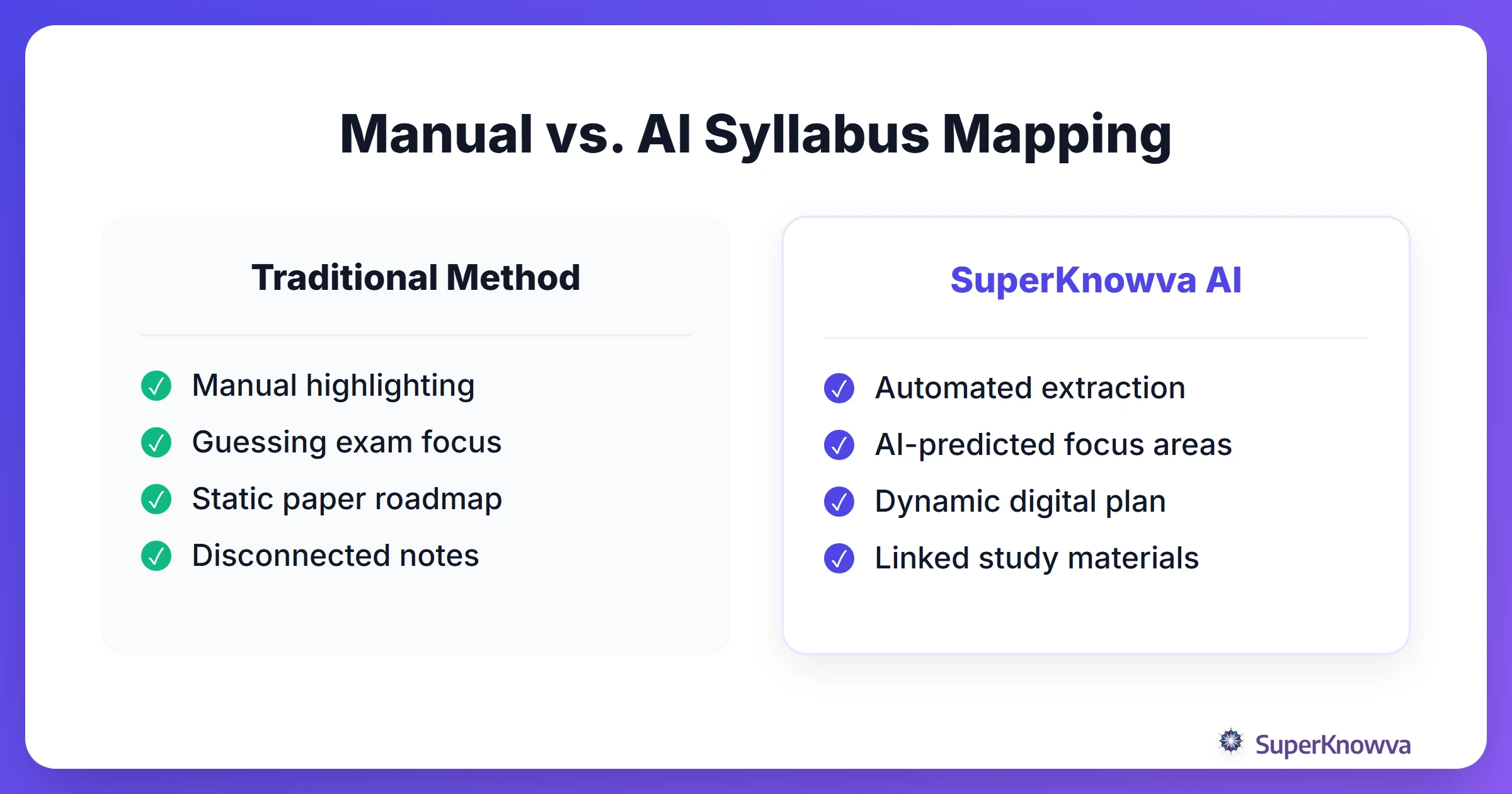
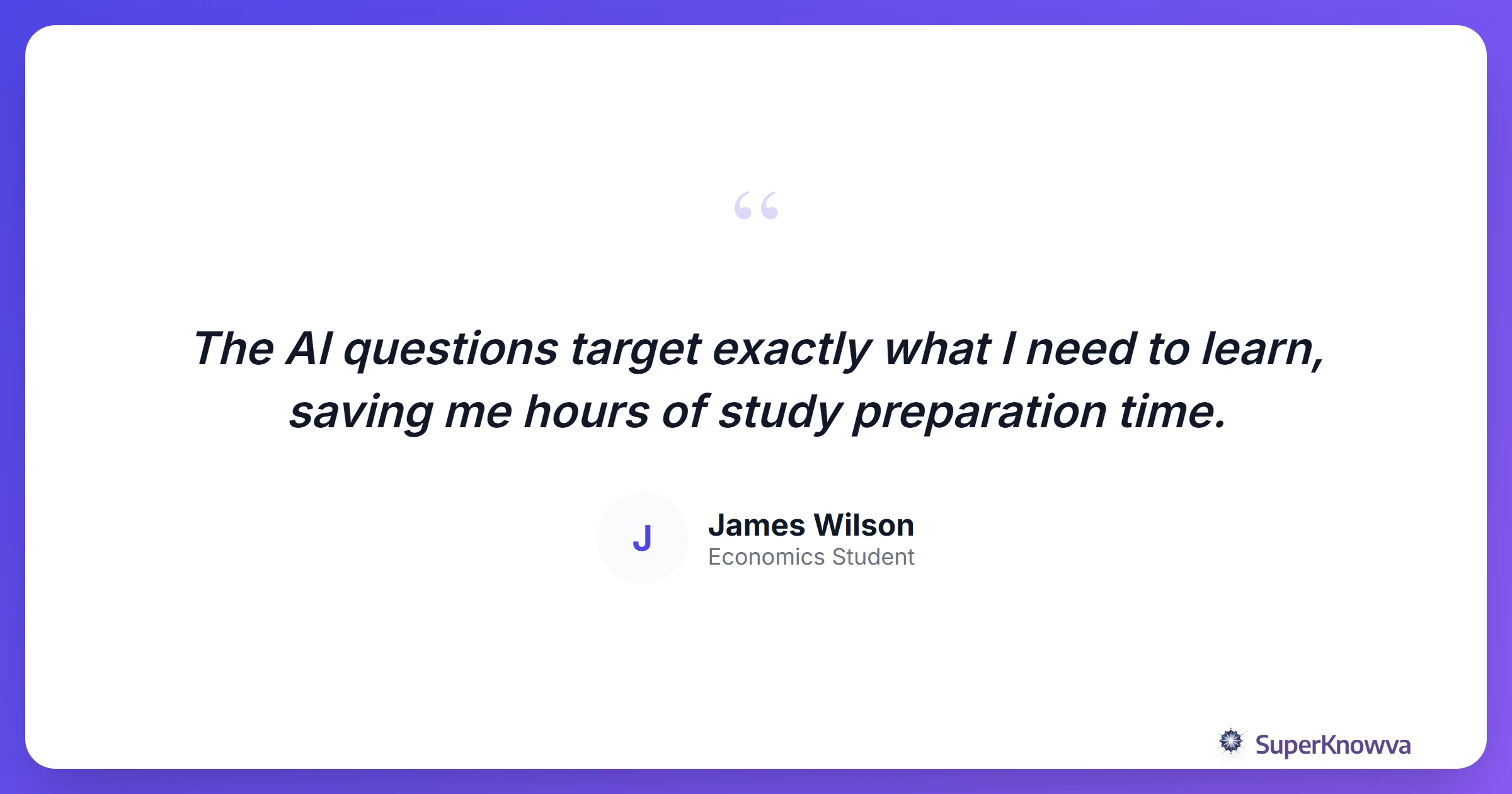
Stop guessing which chapters will be on the midterm. The AI identifies high-weightage areas mentioned in your syllabus and uses that data to generate practice questions that actually feel like your real course exams. Want to see what else the tech can do? Check out our SuperKnowva Features: A Deep Dive.
From Syllabus to Study Schedule: Organizing Your Semester
One of the biggest perks of uploading syllabi to SuperKnowva is the automated study schedule. By pulling out dates and modules, the platform helps you build a timeline that actually evolves as you progress.
There’s a lot of debate on the best study method, but everyone agrees on one thing: organization is half the battle. SuperKnowva helps you:
- Prioritize: Spend more time on the difficult topics that carry the most weight in your grade.
- Stay Ahead: Sync syllabus deadlines with your personal calendar so you’re always a week ahead of the next lecture.
Advanced Tips for Maximizing Your Syllabus Uploads
Want to go pro? Try these strategies to get even more out of your AI study companion:
- Stack Your Context: Don’t stop at the syllabus. Upload your lecture slides right alongside it. This lets the AI connect the broad goals of the syllabus to the specific details your professor covered in class.
- Chat with the Document: Use the SuperKnowva AI chat to ask specific questions. Try something like, "What are the three main themes of the mid-semester essay?"
- Monitor Your Mastery: Check your progress against the syllabus roadmap regularly. It’s a great way to see which modules you’ve crushed and which ones need a second look.
If you're prepping for high-stakes tests like NEET, mapping your syllabus is a classic veteran move. Explore these best study strategies for competitive exams to see how organization improves your results.
Ready to stop feeling overwhelmed and start feeling prepared? Start by learning how to use SuperKnowva: A Step-by-Step Tutorial and upload your first syllabus today. Turn that PDF into a plan and start studying smarter.