Staring at a 100-page PDF at 2 AM, wondering how you’re supposed to memorize it all by Monday? You aren't alone. Whether you’re grinding for the medical boards, surviving law school finals, or tackling a massive engineering certification, the sheer volume of information can feel like a tidal wave.
Most of us fall into the same trap: we read, we highlight, and we re-read, hoping the facts will eventually stick. Spoiler alert: they usually don't.
But what if you could convert pdf to study guide formats that actually talk back? With SuperKnowva, you can stop the endless highlighting loop and start mastering the material. In this guide, we’ll show you how to use our AI study guide maker to turn those static, boring documents into a dynamic, interactive workout for your brain.
Why Passive Reading Fails and How AI Study Guides Help
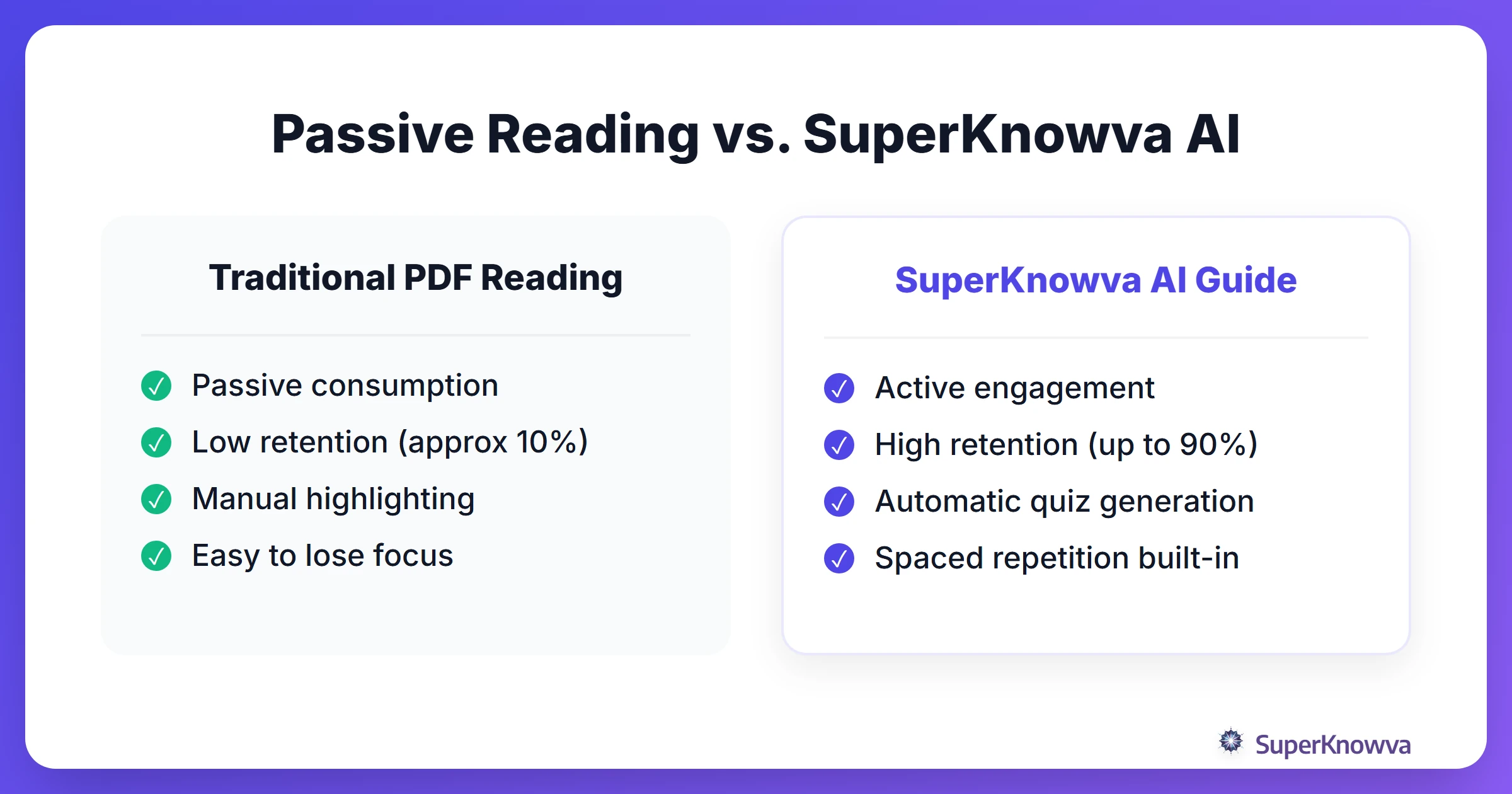
The biggest mistake students make is "passive learning." This is the "zombie mode" of studying: re-reading textbooks, highlighting every other sentence, or scrolling through old slides. These methods are a waste of time because they don't force your brain to actually do anything.
To truly learn, you need active recall and spaced repetition. SuperKnowva bridges the gap between your dusty PDFs and real engagement. It automatically hunts down the most important concepts and turns them into interactive challenges. When you transform pdf to quiz formats, you’re forcing your brain to work, which is the only way to build long-term memory.
By using an AI learning companion, you aren't just staring at data; you’re wrestling with it. For a deeper look at how this stacks up against traditional methods, check out our breakdown of SuperKnowva vs. Anki: Which is Better?.
Preparing Your Documents for Optimal AI Extraction
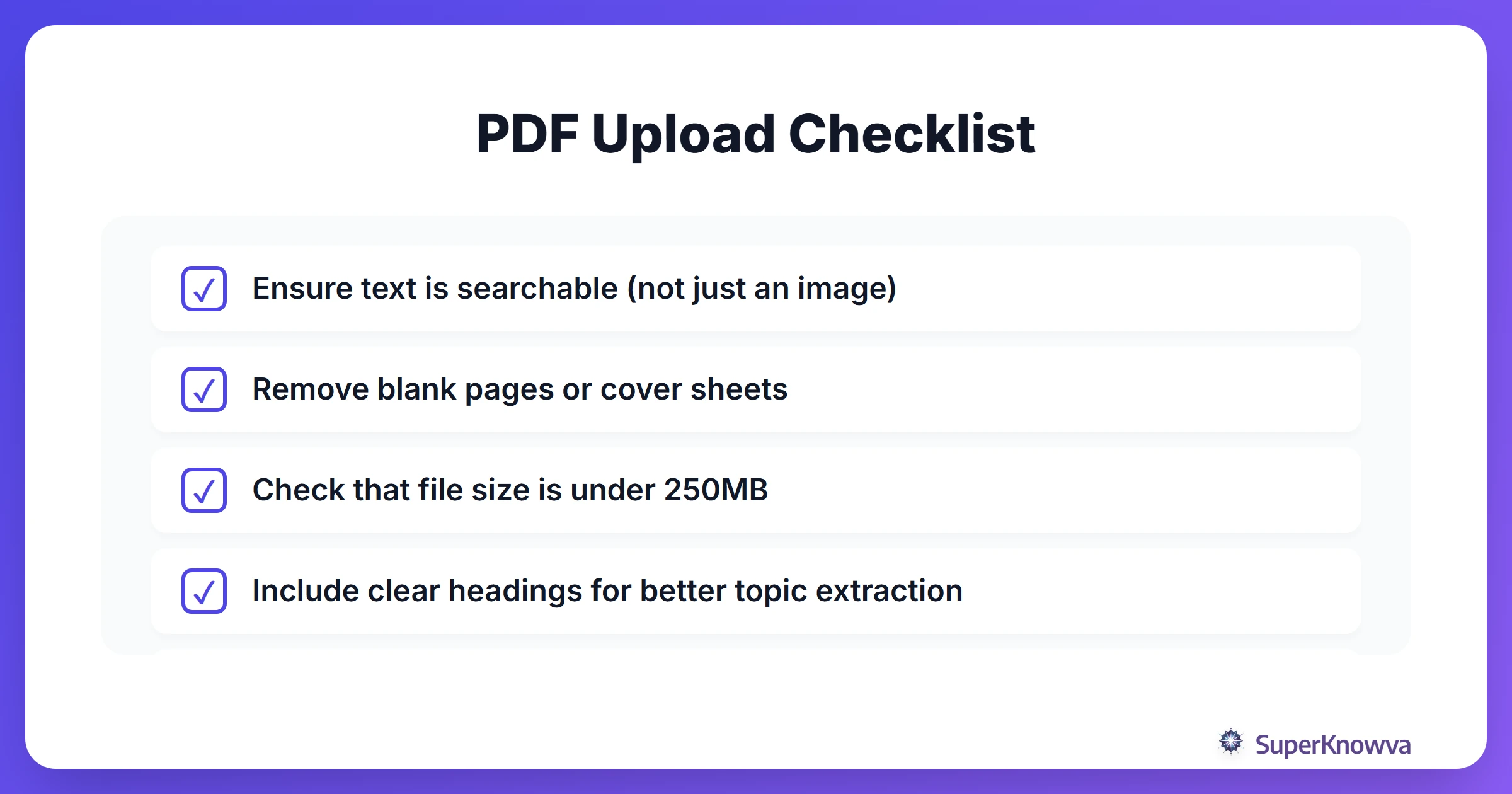
If you want the best results when you convert pdf to study guide materials, remember: the cleaner the input, the better the output. SuperKnowva’s AI is powerful, but it works best when it isn't tripping over messy formatting.
First, make sure your PDF is text-based. A quick test? See if you can highlight the text with your cursor. If you can, the AI can read it perfectly. If it’s a grainy scan of a 20-year-old textbook, you might want to run it through an OCR (Optical Character Recognition) tool first. Also, pro tip: trimming out massive bibliographies or repetitive headers helps the AI stay laser-focused on the stuff that will actually be on the exam.
SuperKnowva handles everything from PDFs to Word docs and PowerPoints. For the technical nitty-gritty on file types, visit our SuperKnowva Features Deep Dive.
Step-by-Step: Uploading to SuperKnowva
Ready to study smarter with AI? The SuperKnowva document upload process is built to be fast, so you can stop organizing and start learning.
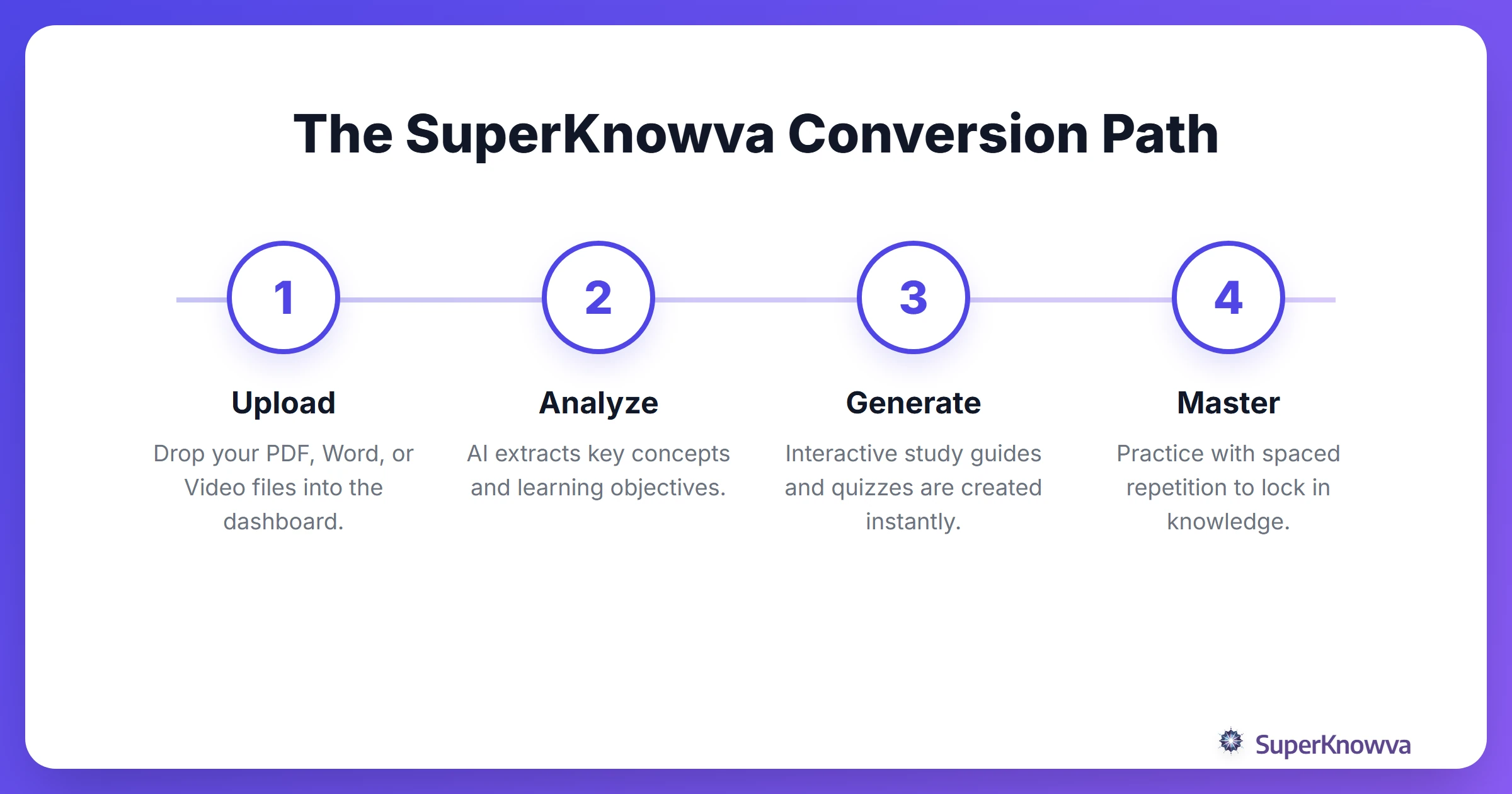
- Hit the Dashboard: Log in and click "Upload." Simple enough.
- Drop Your Files: Drag in your PDFs, lecture slides, or messy notes.
- Choose Your Track: This is the secret sauce. By picking a track like Medical, Engineering, or Law, the AI adjusts its brain to use the right terminology and level of difficulty for your specific field.
- Let the AI Work: Behind the scenes, SuperKnowva’s neural networks parse the text, find the learning objectives, and build a custom study set just for you.
Need a more granular walkthrough? See our Step-by-Step Tutorial for Students.
From Text to Tests: Generating Interactive Quizzes
Once the processing is done, the real fun begins. SuperKnowva isn't just a summary tool; it’s a full-blown AI study guide maker. It builds multiple-choice questions, true/false scenarios, and even conceptual questions based on complex diagrams found in your notes.
The best part? Instant feedback. Unlike a paper practice test where you have to flip to the back of the book, SuperKnowva tells you why you got it wrong (or right) the second you answer. It even points you back to the exact page in your document. This ensures you’re actually understanding the "why" instead of just memorizing the "what." Many students find that AI Study Guide Maker Use Cases are effective for professional development, not just midterms.
Beyond Text: Converting Audio and Video to Study Guides
Let’s be real: modern learning isn't just about books. It’s about Zoom recordings, YouTube tutorials, and that one lecture you recorded on your phone.
You can upload MP4 and MP3 files directly to SuperKnowva. The AI transcribes the audio, pulls out the core concepts, and weaves them into your study guide alongside your PDFs. It creates a "knowledge hub" where your professor’s spoken words and your textbook notes finally live in one place. While tools like Penseum AI Study Tool offer general help, SuperKnowva is built for high-stakes prep like the MCAT and LSAT, where every lecture detail is fair game.
Tracking Your Progress and Mastery
The goal isn't just to study; it’s to master. SuperKnowva uses analytics to show you exactly where you stand. You’ll see which topics you’ve crushed and which ones still need a little love.
We also take the guesswork out of your schedule. Using a built-in spaced repetition algorithm, the AI pings you when it’s the perfect time to review a specific topic to stop the "forgetting curve" in its tracks. You can even ramp up the intensity as your exam date gets closer.
Stop feeling overwhelmed. Explore our SuperKnowva Pricing Plans and turn static documents into high-performance study tools today. Don't just read the material. Own it.