You check your syllabus and find a group research project. Your stomach drops. This begins the headache of coordinating four different schedules, arguing over who does the "heavy lifting," and trying to glue four different writing styles into one paper at 2 AM. It’s a mess.
But things are changing. The rise of ai for group research projects is flipping the script. What used to be a logistical nightmare is turning into a streamlined, high-efficiency experience.
This guide explores how AI tools make group work bearable from the initial brainstorm to the final bibliography.
The New Era of Collaborative Research
The old way of doing group work is "siloed." You retreat to your own corner, do your part in a vacuum, and then hope for the best when you "staple" the pieces together. The result? Repetitive paragraphs, a disjointed voice, and a lot of frustration.
The new era of research moves away from this fragmented mess and toward integrated AI-assisted collaboration. Instead of just staring at a blank Google Doc, teams are using AI-powered note-taking tools to build a collective brain. This creates a "single source of truth" where everyone can see how their specific piece of the puzzle fits into the bigger picture. In this setup, the AI acts like a digital librarian, keeping the team organized and ensuring no one is accidentally duplicating work.
Streamlining Project Management with AI
The hardest part of any project is just getting the engine started. When you’re staring down a complex research prompt, deciding "who does what" can take hours of circular debate.
AI is surprisingly good at breaking down complex research prompts into actionable tasks. If you feed your project rubric into an AI project management tool, it can actually map out your entire semester. These tools help by:
- Handling routine tasks: They can track progress and set internal deadlines based on when people are actually free.
- Leveraging individual strengths: AI can suggest roles based on what each member is good at, such as putting the data expert on visualization and the speed-reader on the literature review.
- Identifying risks early: It can identify bottlenecks before they turn into a deadline crisis.
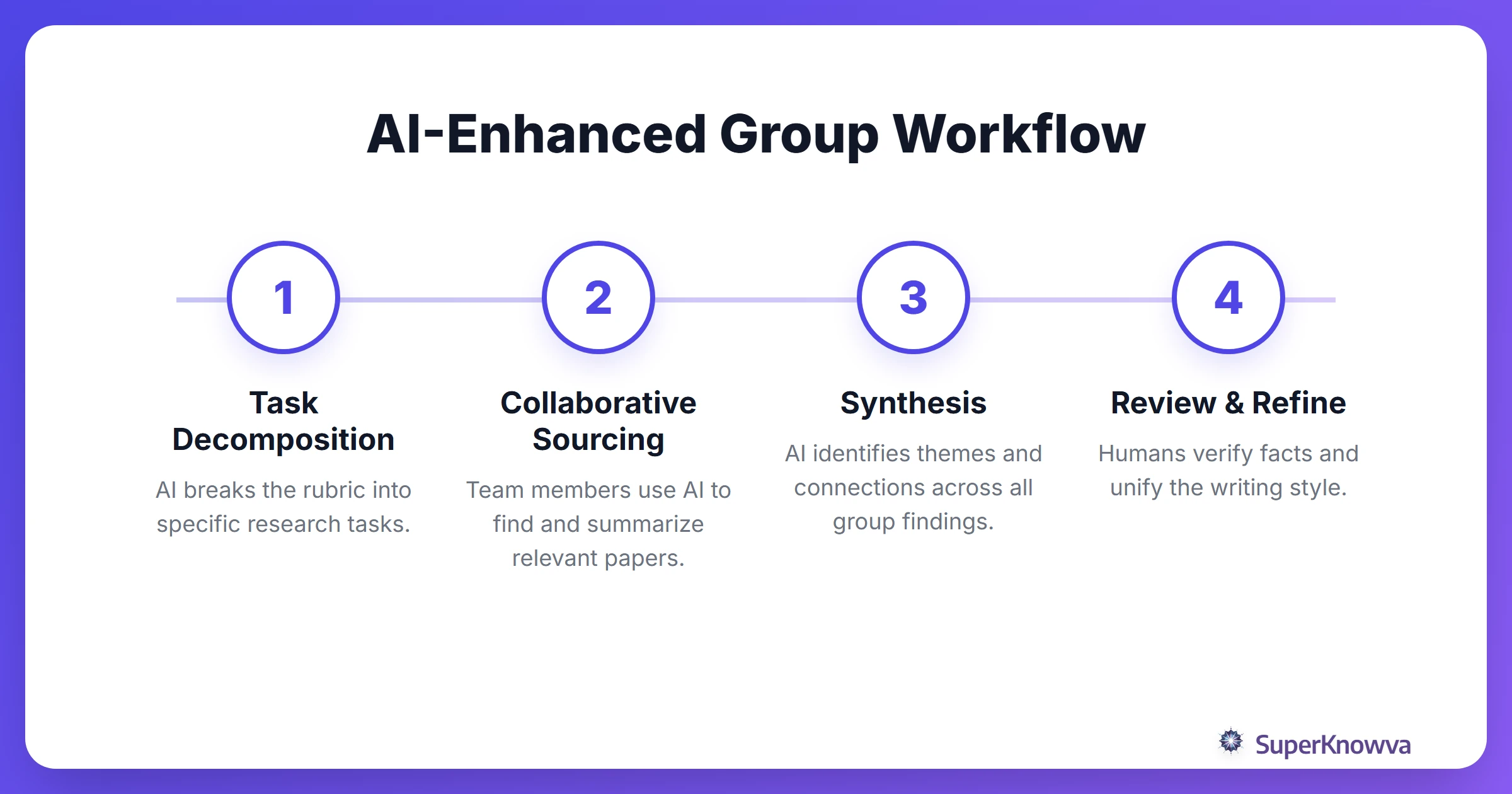
For students tackling high-level academic work, like the UTSA Undergraduate Team Research Projects, these AI project management for students techniques are essential for managing the volume of data involved in professional research.
Collaborative Literature Reviews and Data Synthesis
Let’s be honest: literature reviews are a grind. When four people are reading twenty papers each, things get lost in translation. You end up with overlapping sources and missed connections.
Modern collaborative research tools allow your group to dump a massive pile of papers into one shared workspace. The AI then scans the lot, summarizing the key points for the whole team. This is where team research synthesis gets interesting. Instead of just summarizing one paper at a time, you can use AI to find the "conversation" between sources. What do these ten authors agree on? Where do they clash?
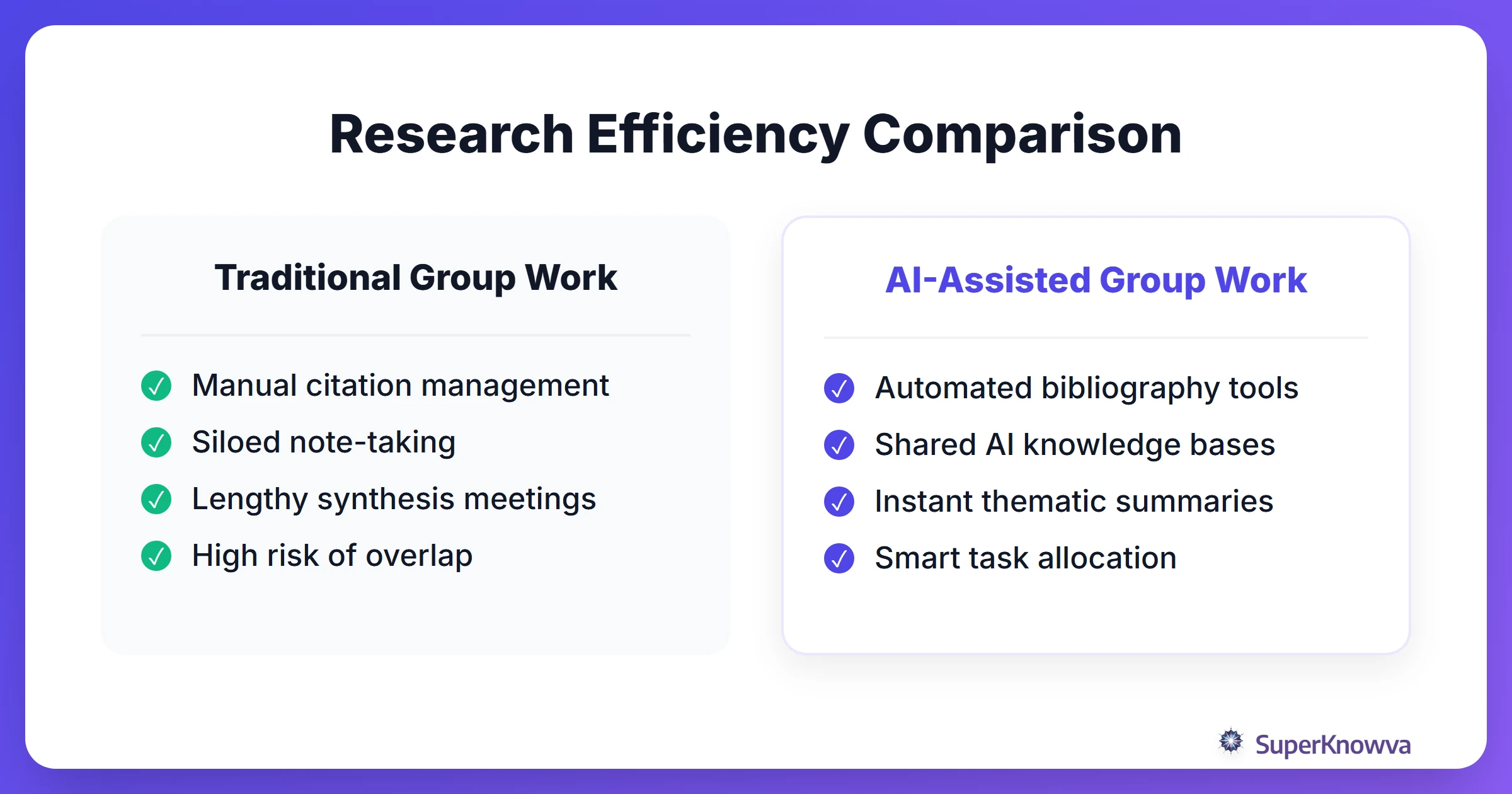
By using shared AI workspaces, you ensure the final paper doesn’t look like a collection of separate essays. It looks like a unified piece of scholarship.
Avoiding the 'AI Plagiarism' Trap in Teams
AI provides significant assistance but introduces the "AI Plagiarism" trap. In a group, you are only as safe as your least ethical teammate. If one person submits raw AI output as their contribution, the entire group’s grade and academic reputation are at risk.
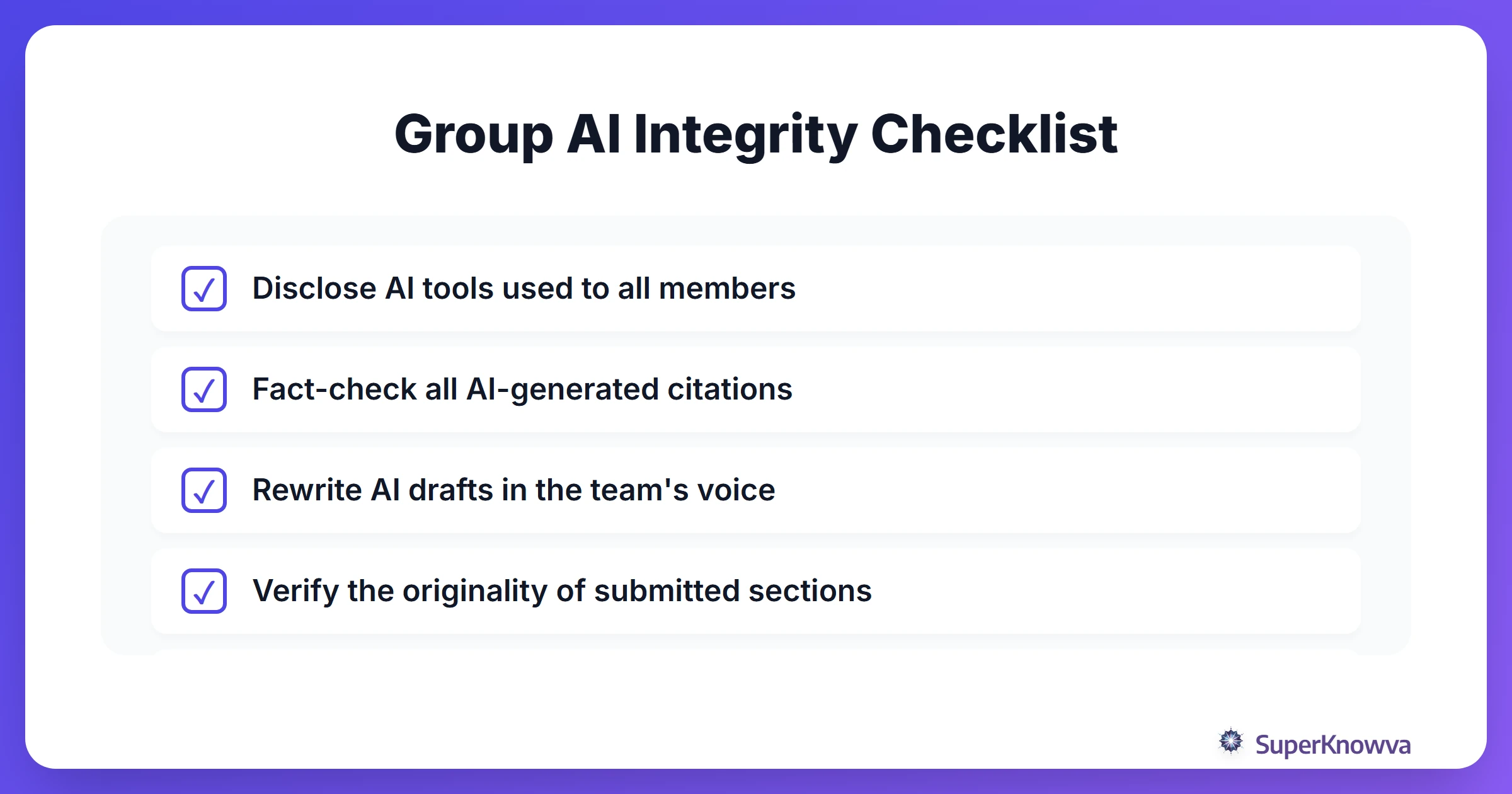
That’s why establishing ethical AI in group work is non-negotiable. You need a "pact" from day one. This should include:
- Full Disclosure: Everyone has to be honest about which tools they used and why.
- Verification: Using AI to find a source is fine; using it to invent a source is a disaster. Every citation must be verified by a human.
- The Human Touch: Use AI for the structure and the "bones," but the final writing has to come from you.
If you’re working on something highly technical, like AI for science simulations, keeping a human-led narrative is the only way to ensure the data actually makes sense.
AI Tools for Real-Time Group Brainstorming
We’ve all sat through meetings that could have been an email. AI can actually make these sessions productive for a change. Interactive AI whiteboards can help you map out research questions in real-time, using generative AI to "stress-test" your arguments and find the logical gaps before your professor does.
Furthermore, group study AI tools can take the pressure off the "note-taker" by:
- Transcribing the meeting so you don't miss a breakthrough.
- Summarizing the key takeaways instantly.
- Building a "to-do" list and assigning tasks before anyone even leaves the room.
This level of organization mimics the environments at top-tier institutions like the Siebel School AI Research Areas, where AI bridges the gap between raw creativity and technical execution.
Best Practices for AI-Enhanced Teamwork
Tools are useful, but they have limits. You need a strategy. Start by creating an "AI Usage Agreement": a simple document that outlines how you will check facts and use AI for creative problem solving.
The most important rule? Peer-review everything. Never take an AI’s summary at face value. Assign one person to be the "fact-checker" for the week. Their job is to poke holes in the AI’s data and ensure there’s no hidden bias. Remember, automation is there to assist you, not to do the thinking for you.
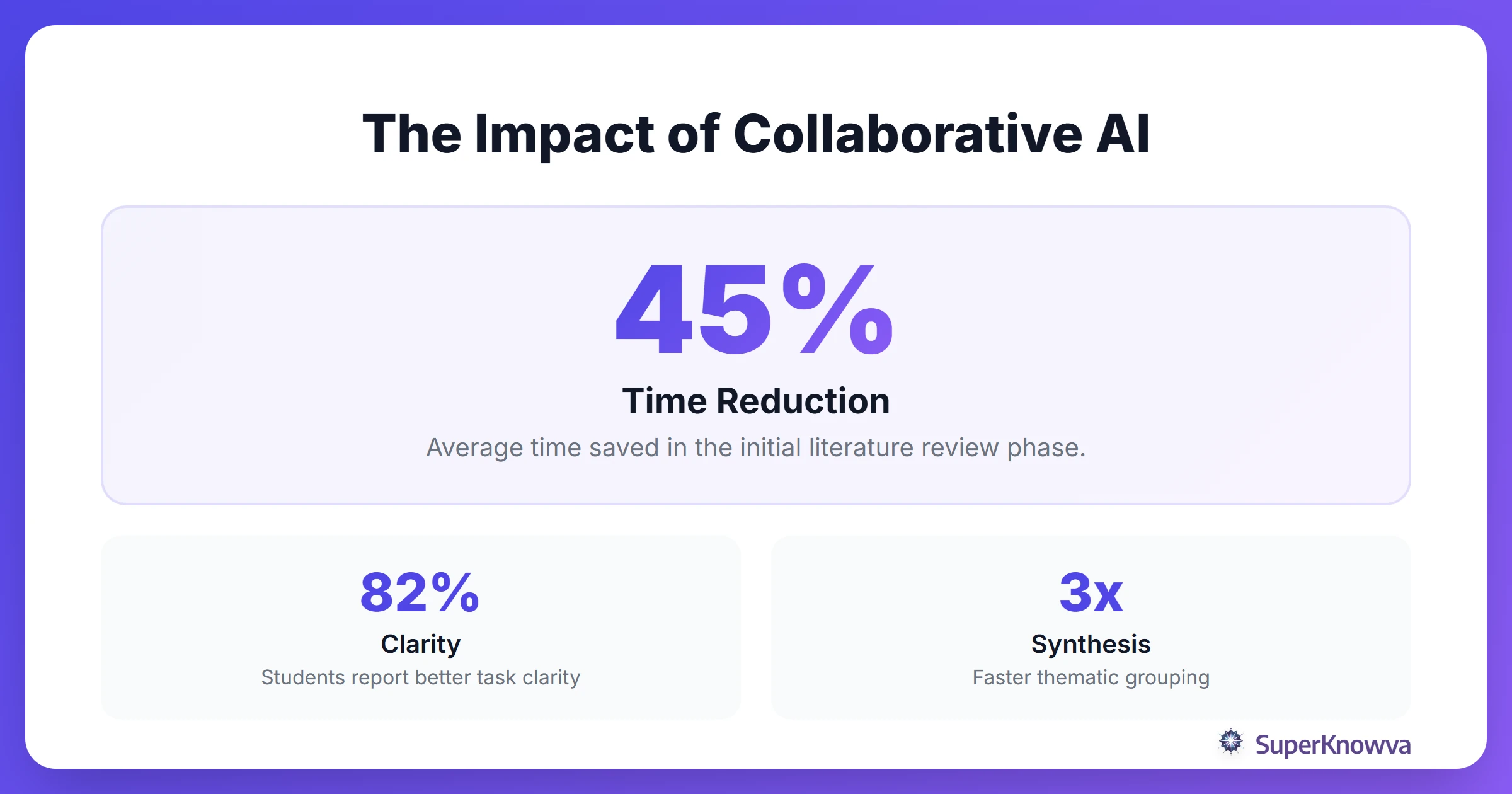
By leaning into these tools, your group can stop fighting the logistics and start focusing on the actual research. Use AI as your foundation, but let your team’s unique insights build the house.