Summer credits are a great idea in theory, until you have been hunched over a laptop for six hours while everyone else is at the beach. Whether you are studying for a midterm or using SuperKnowva to turn lecture notes into a study guide, your physical setup is important.
Creating a student ergonomic workspace isn’t just about being "comfortable." It’s about making sure you don't finish your degree with the back of an 80-year-old. If you want to maximize your mental clarity and keep the "study fog" at bay, you need a setup that works with your body, not against it.
The 90-Degree Rule: Your New Best Friend
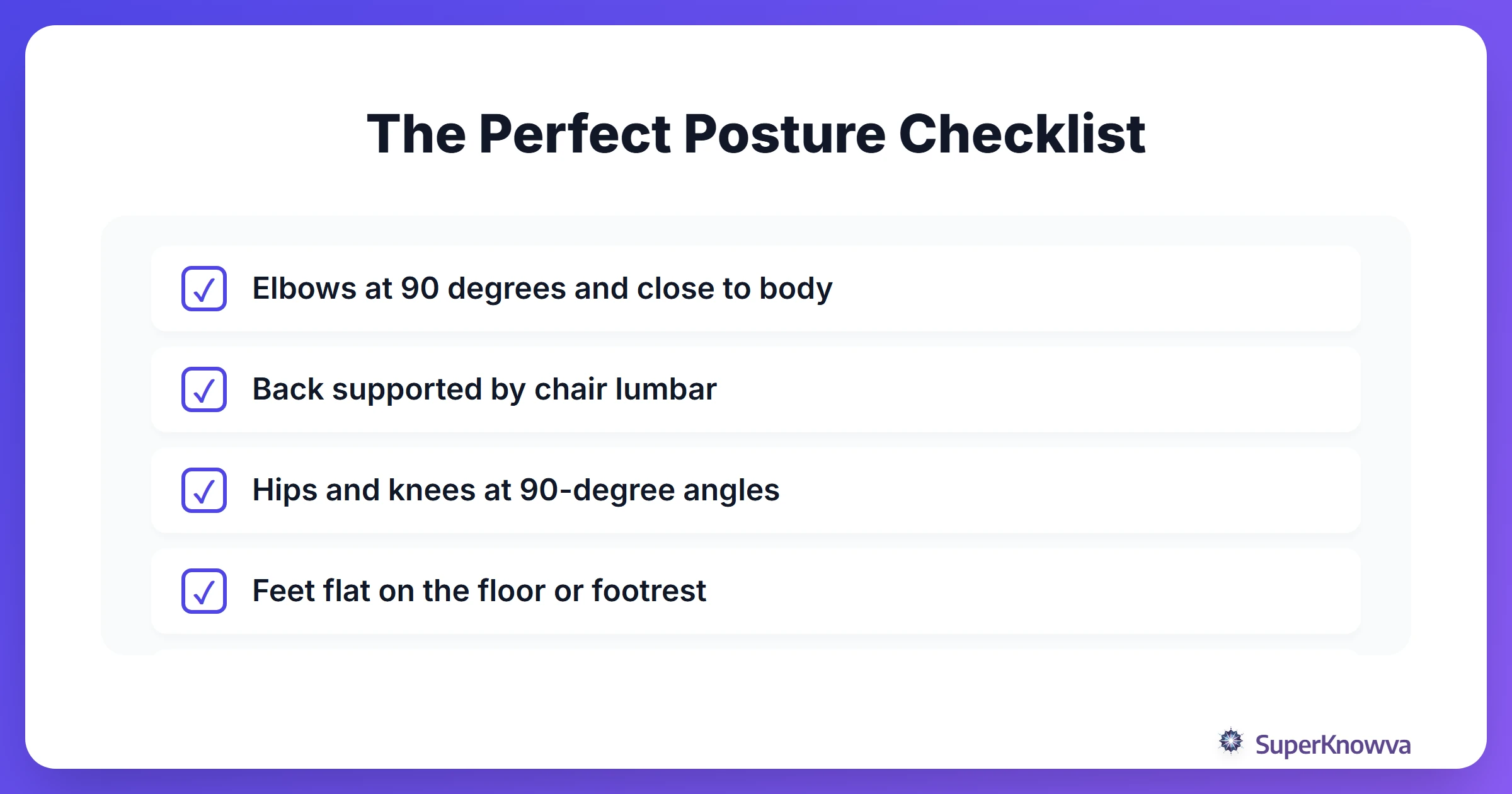
Ever feel like your body is one giant knot after a long study session? The fix usually starts with your angles. To keep your joints happy and your muscles from screaming, aim for a series of 90-degree angles.
- Elbows: Keep your arms at your sides with your elbows bent at 90 degrees. This lets your wrists stay neutral instead of straining to reach your keys.
- Hips and Knees: Sit all the way back. Your hips should be at a 90-degree angle, and your knees should follow suit.
- Feet: They shouldn't be dangling or tucked under your chair. Keep them flat on the floor.
- Lumbar Support: Most cheap desk chairs are flat, which is a nightmare for your spine’s natural "S" curve. If you don't have a fancy office chair, just roll up a towel and tuck it into the small of your back. It makes a significant difference.
- The Footrest Hack: If you have to raise your chair to reach your desk but your feet no longer touch the floor, grab a sturdy box or a stack of old textbooks. Your lower body needs that support to stay stable.
Stop the Hunch: Defeating 'Tech Neck'
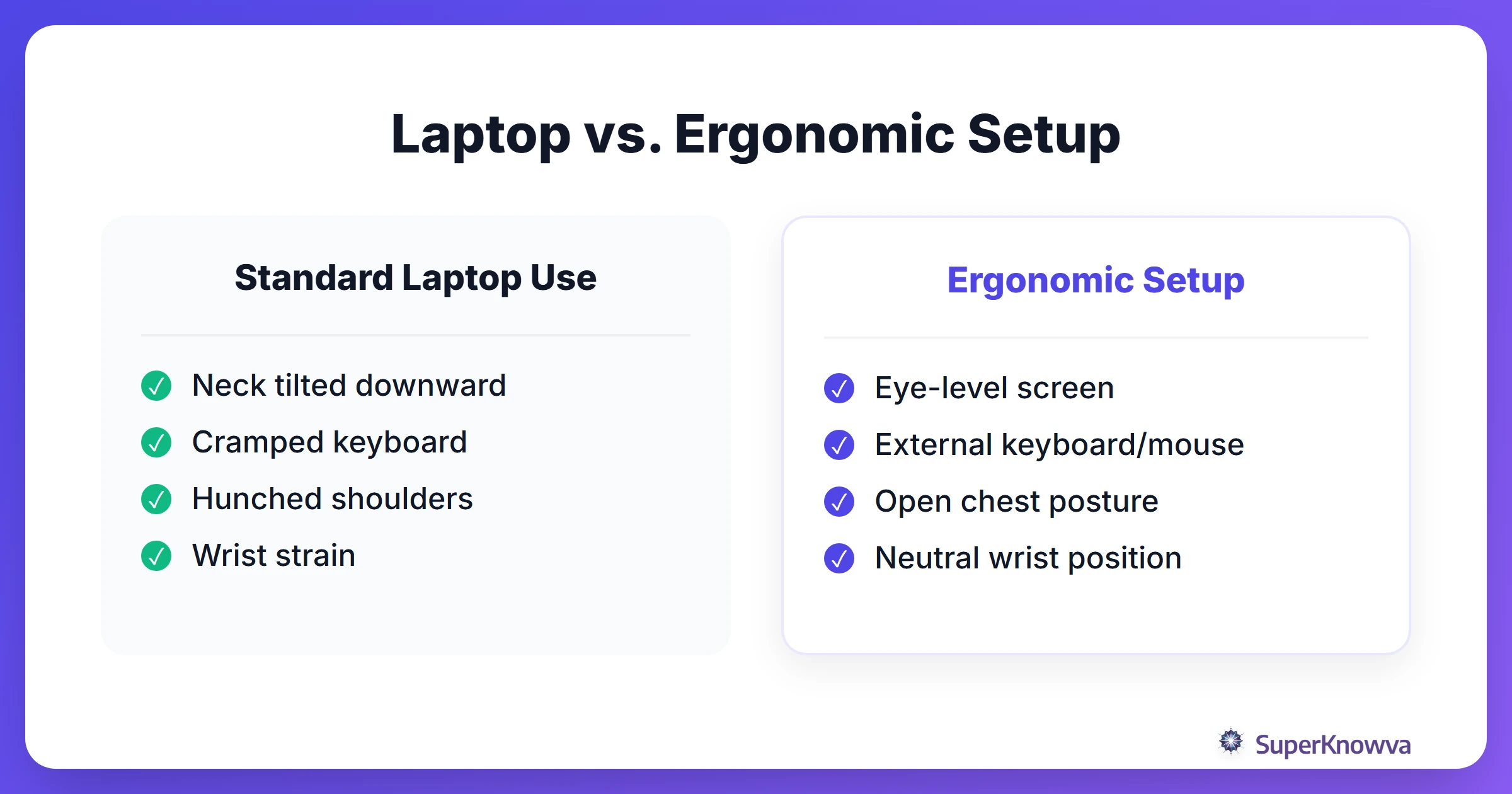
We have all leaned forward until our noses were practically touching the screen. "Tech neck" is a real repetitive strain injury that happens because we are constantly looking down.
The fix? Raise your screen. The top third of your monitor should be right at eye level. This keeps your head balanced over your shoulders instead of tilting your chin down. If you’re on a laptop, you’re almost certainly looking too low. Use a laptop stand (or a stack of books) to bring that screen up.
Also, check your distance. Your screen should be about an arm’s length away. If you find yourself leaning in to read, don't move your head. Just increase the font size.
The Sitting Trap: Move or Lose Your Focus
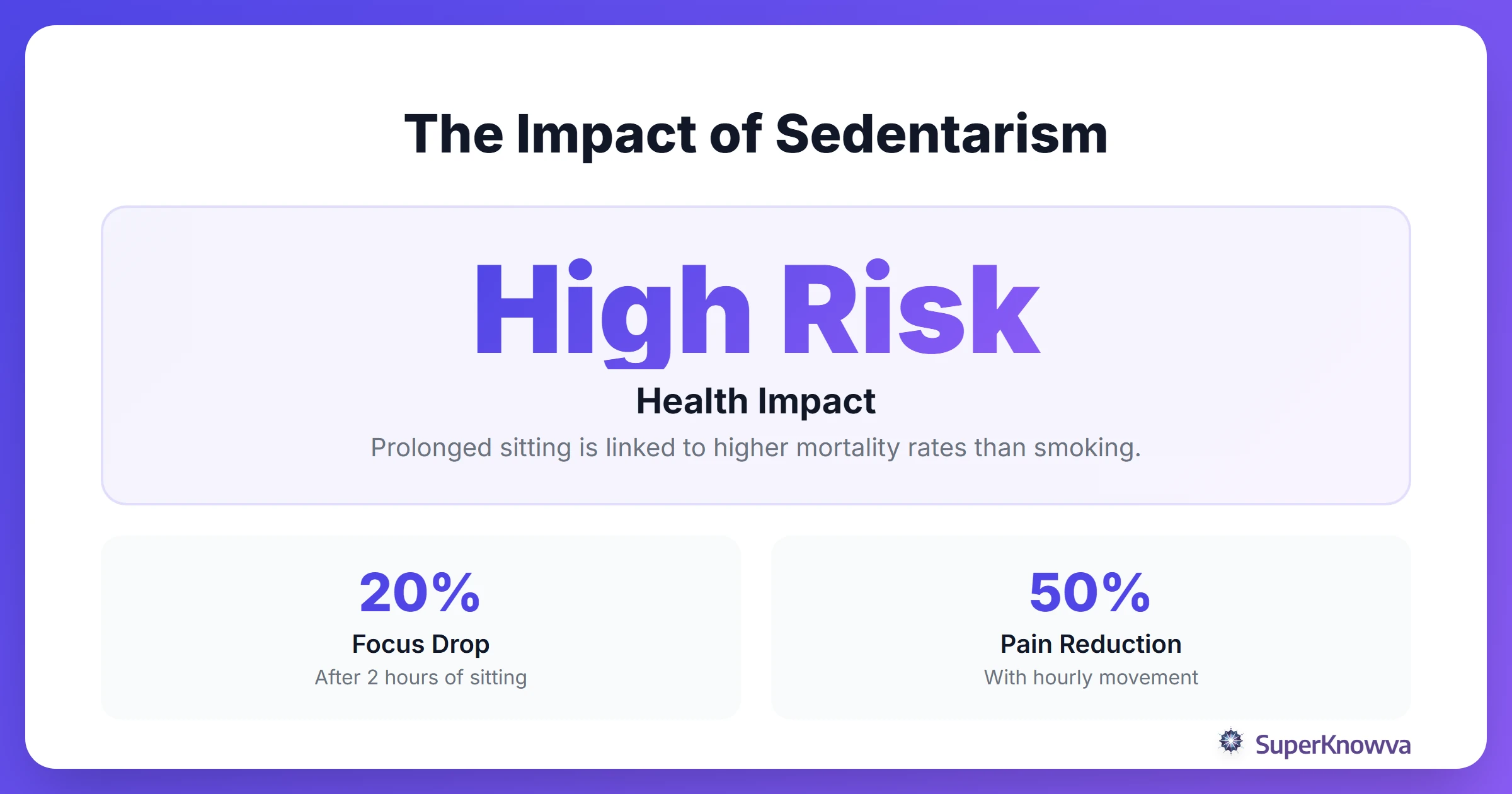
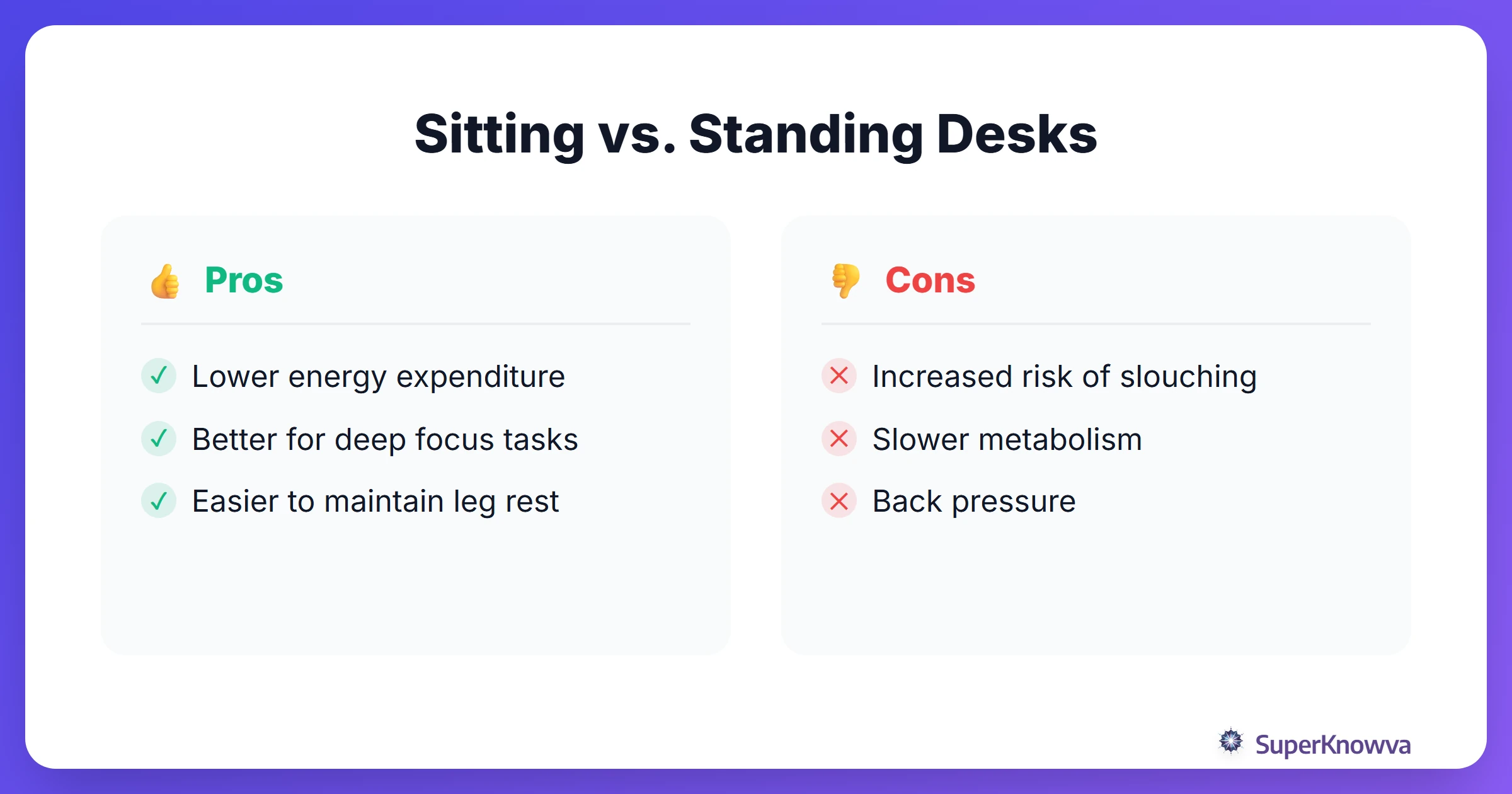
Even the most perfect ergonomic chair won't save you if you stay in it for eight hours straight. Sitting still for too long kills your metabolism and makes your brain feel like mush. Remember, physical activity boosts cognitive function. If you move your body, you’ll actually process that complex info faster.
Try these three habits to stay sharp:
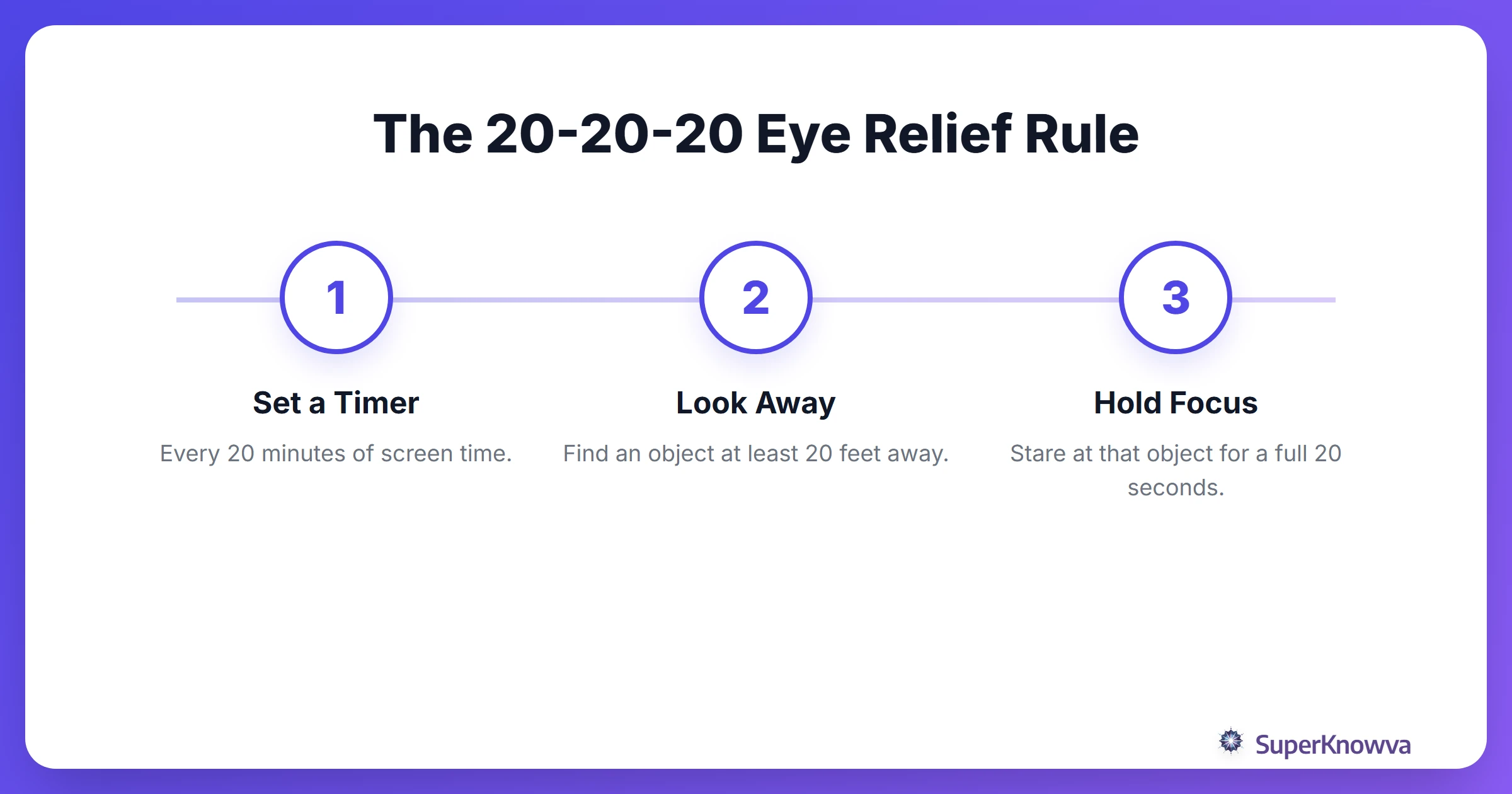
- The 20-20-20 Rule: Every 20 minutes, look at something 20 feet away for 20 seconds. Your eyes have muscles, too, and they need a break from focusing on a screen.
- The Hourly Reset: Set a timer. Every hour, stand up. Stretch your neck, roll your shoulders, and touch your toes.
- Mix It Up: If you have a high counter or a standing desk, alternate between sitting and standing every hour.
Dealing with the Summer Sun
Natural light is a mood booster, but it’s a nightmare for screen glare. Squinting at your monitor for hours is a fast track to a tension headache.
Try to position your desk perpendicular to your windows. You still get the light and the view, but the sun isn't bouncing directly off your screen into your eyes. As the sun goes down, don't forget to flip on your blue light filter. Pairing a good setup with mindfulness and meditation can help you wind down so you aren't "wired" when it's finally time to sleep.
Essential Gear (That Won’t Break the Bank)
You don't need a Silicon Valley budget to fix your workspace. According to the Maryville Online Guide to Ergonomics, a few small adjustments make the biggest impact.
- Separate Keyboard and Mouse: This is the big one. It allows you to put your screen up high while keeping your hands down low.
- The "Real" Chair: The couch is tempting, but it’s the enemy of deep work. Use a chair that actually supports your back.
- Document Holders: If you’re looking back and forth between a textbook and your laptop, your neck is going to hate you. Propping your book up at eye level saves you from constant twisting.
Why Your Brain Cares About Your Back
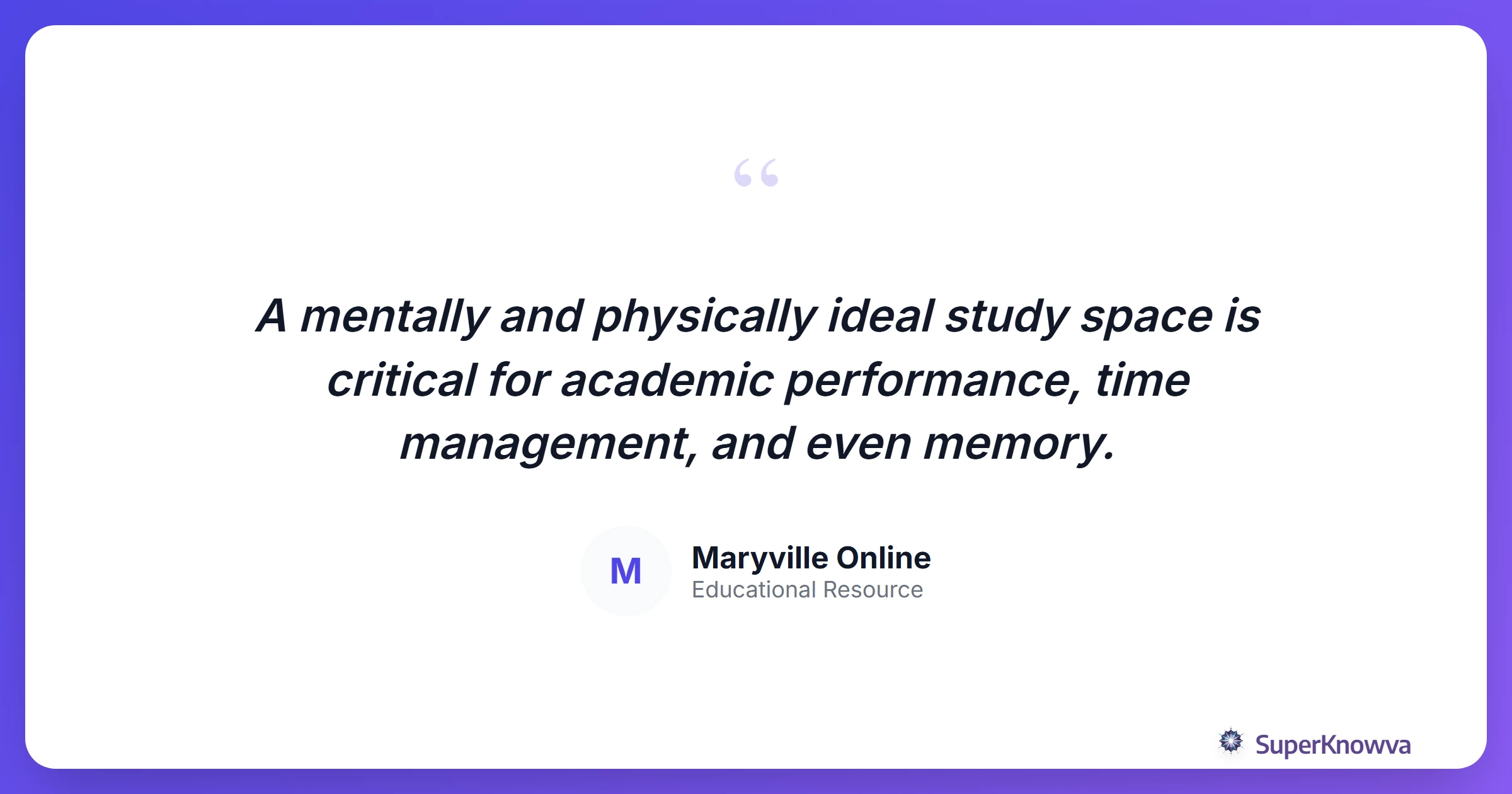
There is a massive connection between your posture and your grades. When you’re in pain, your brain has to spend "processing power" on that discomfort. That’s energy that should be going toward your chemistry notes.
Good posture also keeps blood flowing to your brain, which helps with memory retention. Plus, physical strain is often one of the first signs of student burnout. If you’re feeling exhausted, check your chair before you check your workload. For more on staying safe while studying, Washington University in St. Louis provides comprehensive resources on student safety assessments.
By taking ten minutes to optimize your student ergonomic workspace today, you’re setting yourself up for a much smoother summer. Stay comfortable, keep your focus sharp, and let SuperKnowva take the heavy lifting out of your study sessions!