Have you ever stared at a blinking cursor for ten minutes, wondering if "Hey" is too casual or "Dear" is too stiff? You aren't alone. In a world where we spend more time in our inboxes than in face-to-face meetings, your typing style is your new handshake. Whether you’re asking a professor for a grade bump or trying to catch a recruiter’s eye, the way you write says everything about your readiness for the "real world."
Learning this professional email etiquette guide isn't just about following rules; it’s about navigating the transition from campus to corporate with confidence. Let's break down how to get your messages read, respected, and replied to.
The Anatomy of a Professional Email
An email is a digital letter. It is faster than snail mail but still needs a backbone. A messy email is like a messy room. It makes it hard for the recipient to find what they actually need.
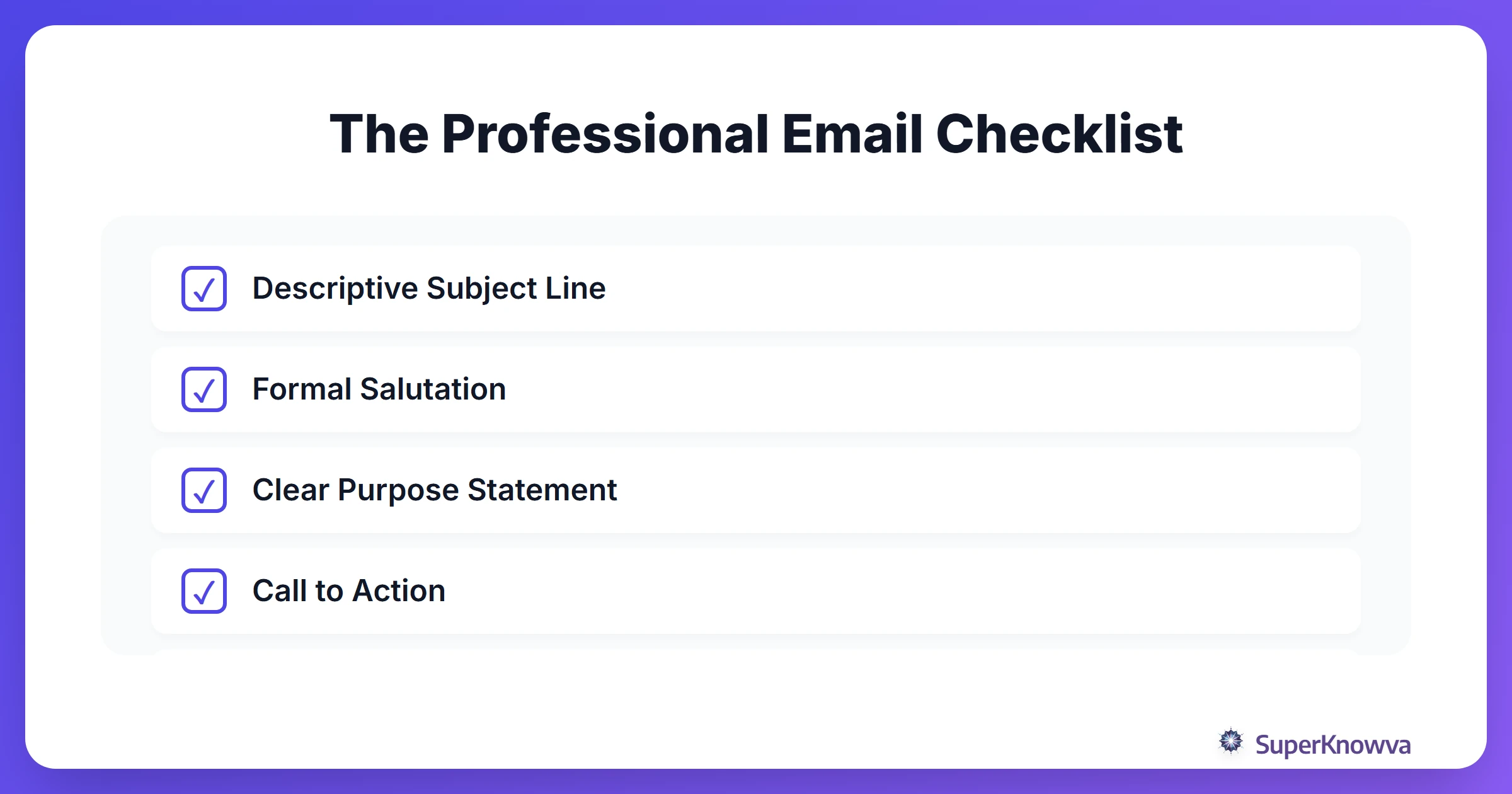
- The Subject Line: This is your "headline." If it’s vague, it gets ignored. Use email subject lines for students that do the heavy lifting, like "Question: BIO101 Section 2 - Assignment Extension" instead of just "Help."
- The Salutation: Start strong. Use a formal greeting and the recipient's proper title (e.g., "Dear Dr. Aris," or "Hello Ms. Thompson,"). When in doubt, err on the side of being too formal.
- The Body: Respect their time. State your purpose in the first two sentences. Why are you writing? What do you need?
- The Sign-off: Keep it clean. "Best regards," "Sincerely," or a simple "Thank you for your time" works every time.
- The Signature: Don't make them guess who you are. Include your full name, major, university, and a link to your LinkedIn profile.
Tone and Clarity: Finding the Professional Sweet Spot
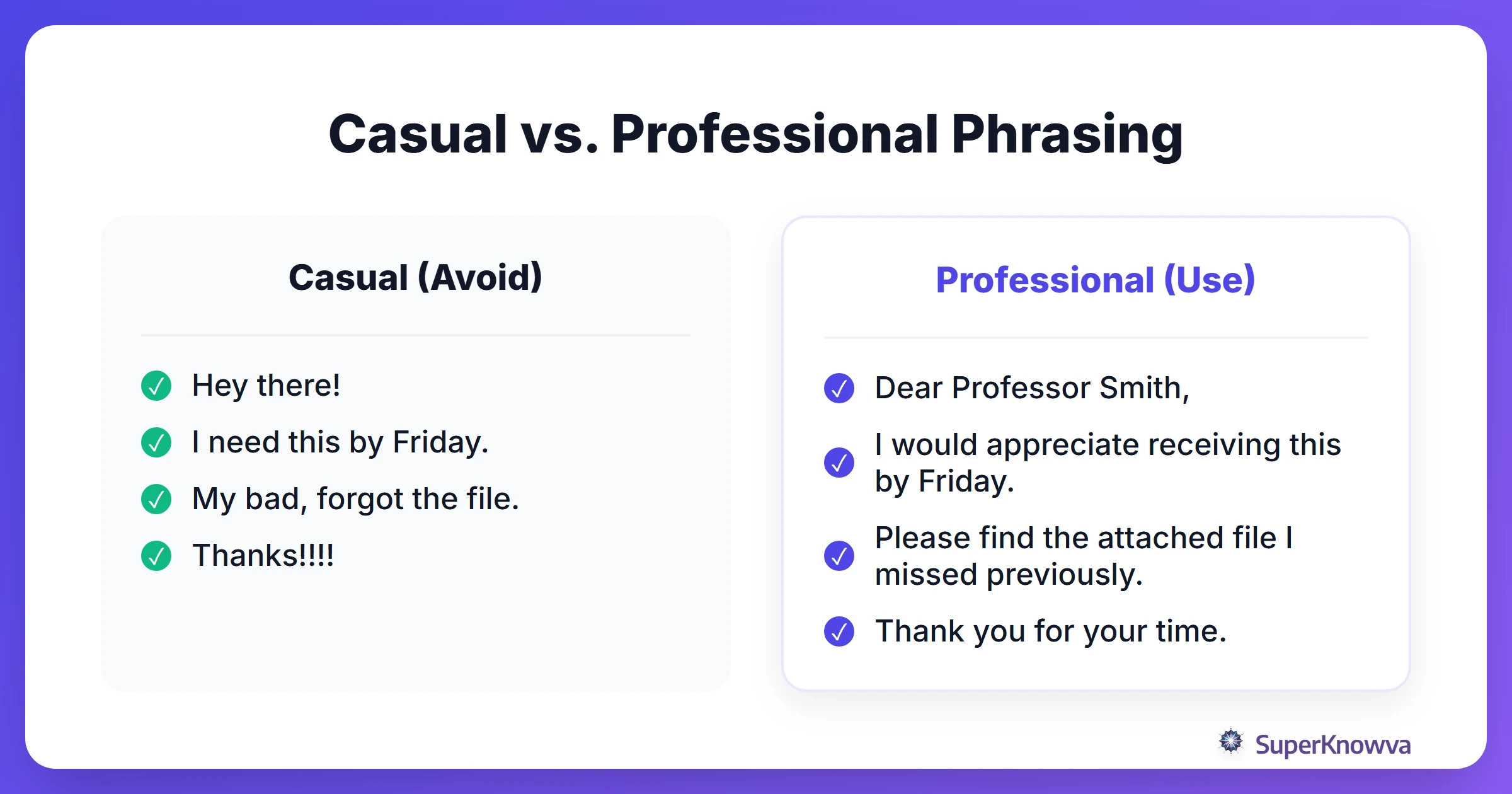
The hardest part for most students is the "vibe" shift. Professional writing is a different language than texting or DMing. You want to be friendly, but you have to show respect for the recipient’s position.
Ditch the slang, skip the emojis, and please, go easy on the exclamation points. One is fine; three is a red flag. If you find yourself rambling, try the "Three-Sentence Rule": see if you can condense the core of your message into just three sentences. It shows you value their time as much as your own.
Before you hit send, let a tool like Grammarly or SuperKnowva’s AI writing assistants catch those embarrassing typos. For a deeper dive into the "unspoken rules," check out Grammarly's 19 Email Etiquette Rules.
Emailing Professors: Academic Etiquette
Professors are juggling hundreds of students, research, and grading. If your email is a puzzle, they probably won't solve it.
- Use Proper Titles: Unless they have explicitly invited you to use their first name, address them as Professor or Doctor followed by their surname.
- Context is Everything: Mention your course name and section number. Instructors often teach multiple sections and may not know which specific lab you are referencing.
- Be Solutions-Oriented: Do not just state that you are busy. If you need an extension, suggest a specific new deadline. If you need a meeting, list three times you are available.
- The "Cool Down" Rule: If a grade is frustrating, wait 24 hours before responding. Never send an email while emotional to ensure you maintain a professional relationship.
For more on the gold standard of academic writing, the Purdue OWL Email Etiquette Guide is a lifesaver.
Connecting with Recruiters and Industry Professionals
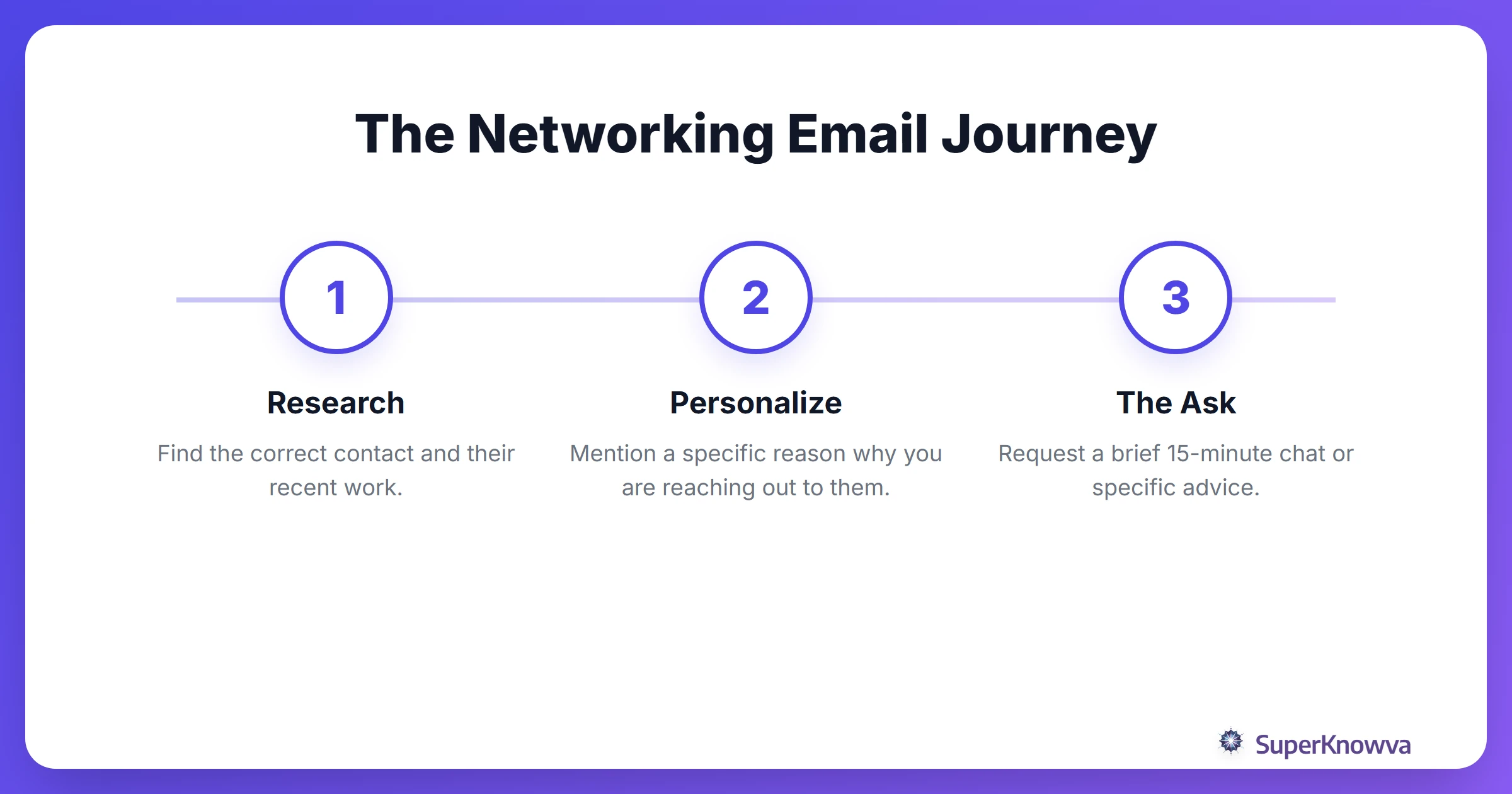
When you're landing your dream internship, your email is your first interview. Student networking emails should never feel like spam. If you "blast" the same generic template to twenty recruiters, they’ll know.
Instead, personalize. Mention a specific project they worked on or a company milestone that actually caught your interest. Also, check your attachments! If you’re sending a resume, name the file Jane_Doe_Resume.pdf rather than resume_final_v2_FINAL.pdf.
Every message you send is a brick in the foundation of your personal brand. For more on making these high-stakes connections, read our guide on Networking 101: A Student's Guide to Building Professional Connections.
Common Email Pitfalls to Avoid
We’ve all had that "stomach-drop" moment after hitting send. You can avoid most of them by watching out for these traps:
- The 'Reply All' Nightmare: Before you click it, ask yourself: Does the entire department need to know I'm bringing napkins to the potluck? Usually, the answer is no.
- The Ghost Attachment: It happens to everyone. If you forget the file, send a quick follow-up immediately. "Apologies, the attachment is now included!" is all you need.
- The "Party" Email: It’s time to retire the email address you created in middle school. Stick to your university email or a professional
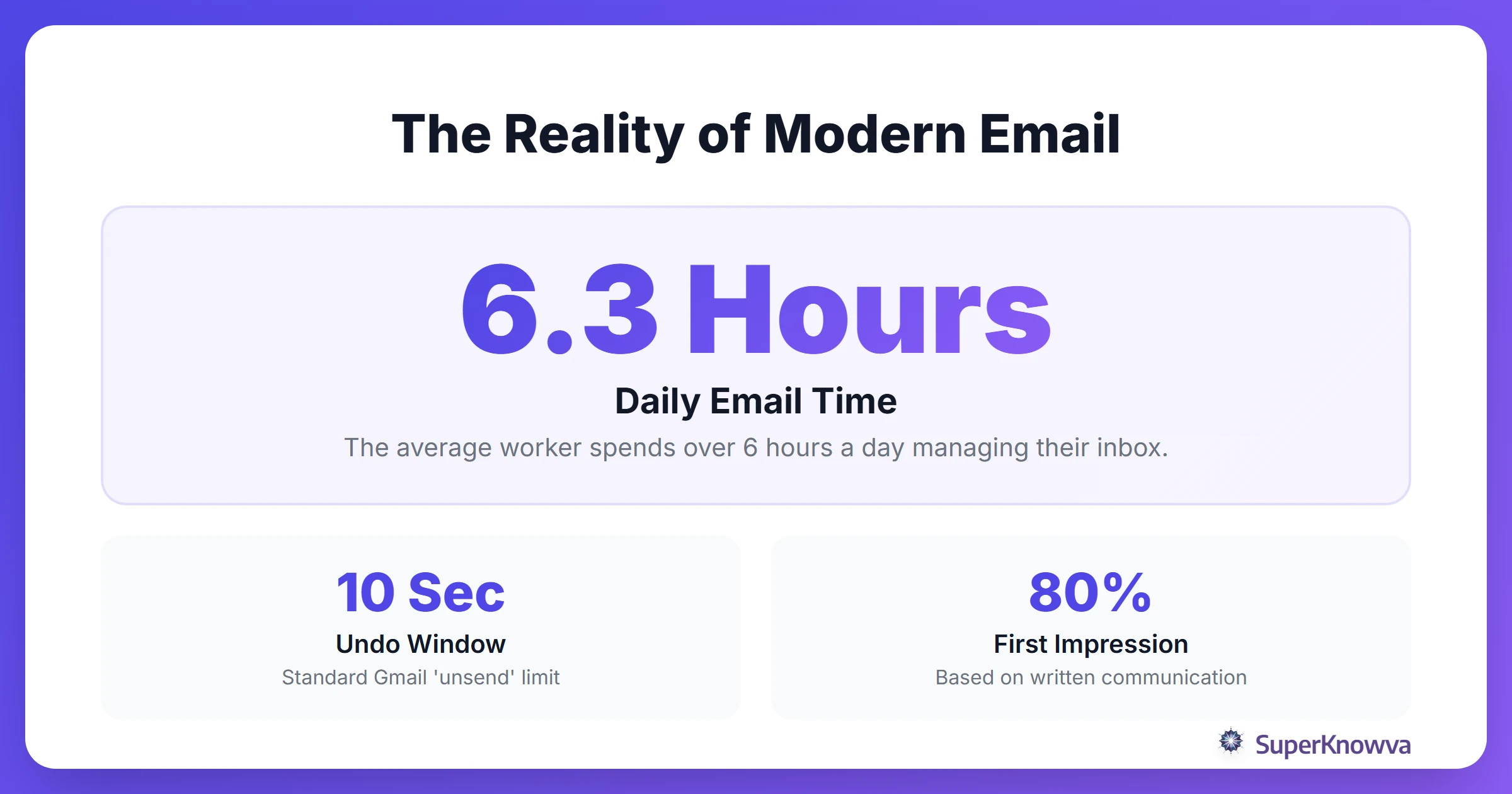
firstname.lastname@gmail.com. - The Safety Net: Enable "Undo Send" in your settings. Having a 30-second window to "claw back" an email after spotting a typo is invaluable.
The Art of the Follow-Up
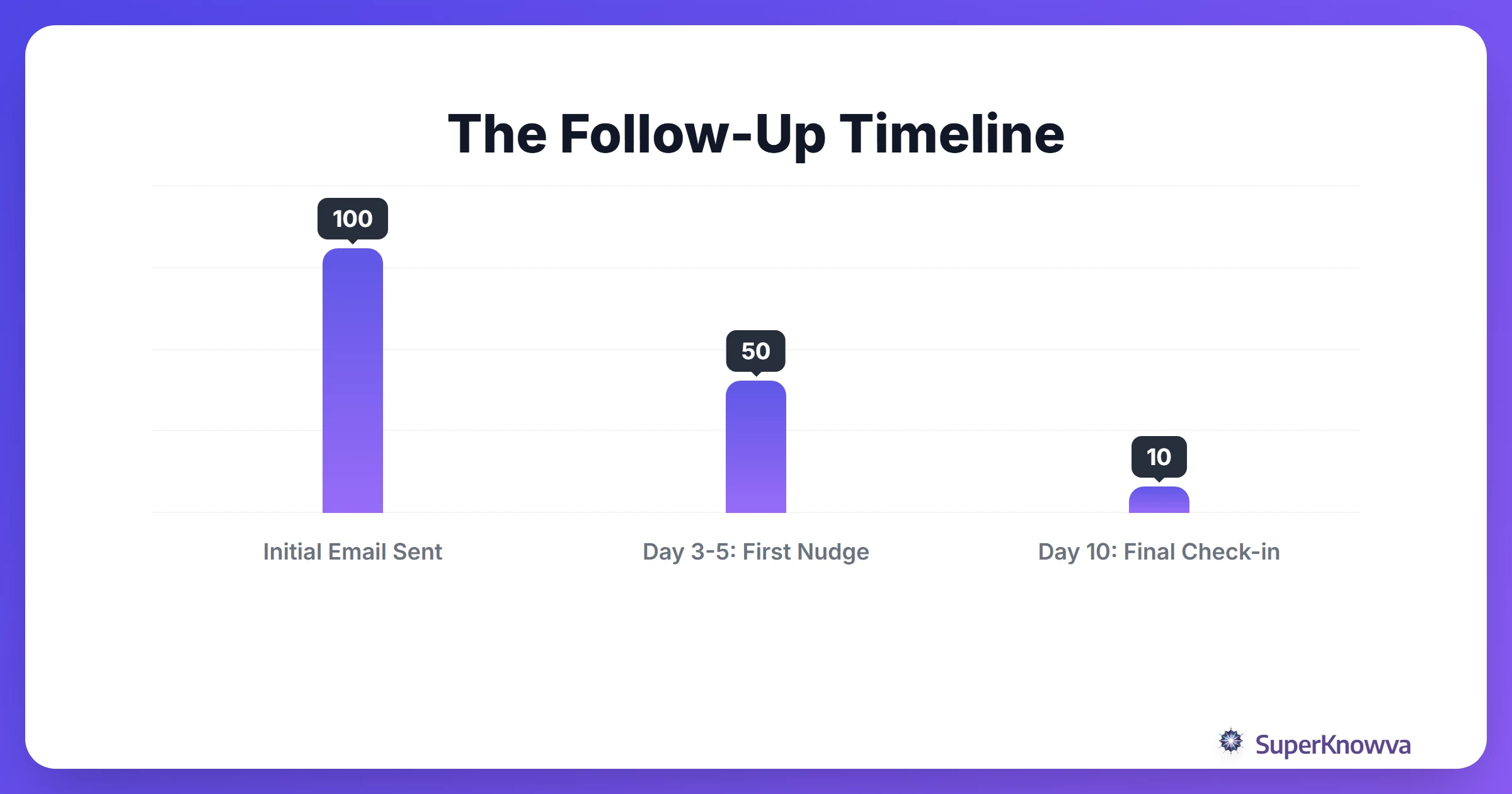
In the world of business communication for graduates, silence doesn't always mean "no." It usually just means "I'm busy."
The sweet spot for a follow-up is 3 to 5 business days. Send a polite nudge that gives them an easy out. Something like: "I’m just following up on my note regarding the internship application. I know things are busy on your end, and I’d appreciate any update when you have a moment."
And don't forget the "Thank You" note. If someone gives you their time for an interview or a coffee chat, send a thank-you email within 24 hours. It’s a small gesture that leaves a massive impression.
Conclusion
Mastering email etiquette demonstrates professionalism and establishes your reputation before you meet in person. Clear, concise communication shows professors and recruiters that you are prepared for professional opportunities. Practicing these habits now will benefit your career and help you manage your inbox effectively.