We’ve all been there: sitting in a packed lecture hall, fingers flying across the keyboard, trying to catch every single word the professor says. Then the clock hits the hour mark, you close your laptop, and realize you haven't actually processed a single sentence. You weren't learning; you were just a human typewriter.
This "transcription mode" is a trap. It feels productive, but it’s actually a shortcut to burnout. Fortunately, the rise of ai-note-taking-for-college is changing the game. It’s time to stop acting like a court reporter and start acting like a student again.
In this guide, we’re breaking down how AI tools are turning chaotic lectures into organized, high-value study assets.
The "Transcription Trap": Why Your Notebook is Full but Your Brain is Empty
For years, we were told that the "good students" were the ones with the most meticulous notebooks. But in a fast-paced modern lecture, that's a recipe for disaster. When 100% of your mental energy goes into capturing words, you have 0% left for actually understanding them.
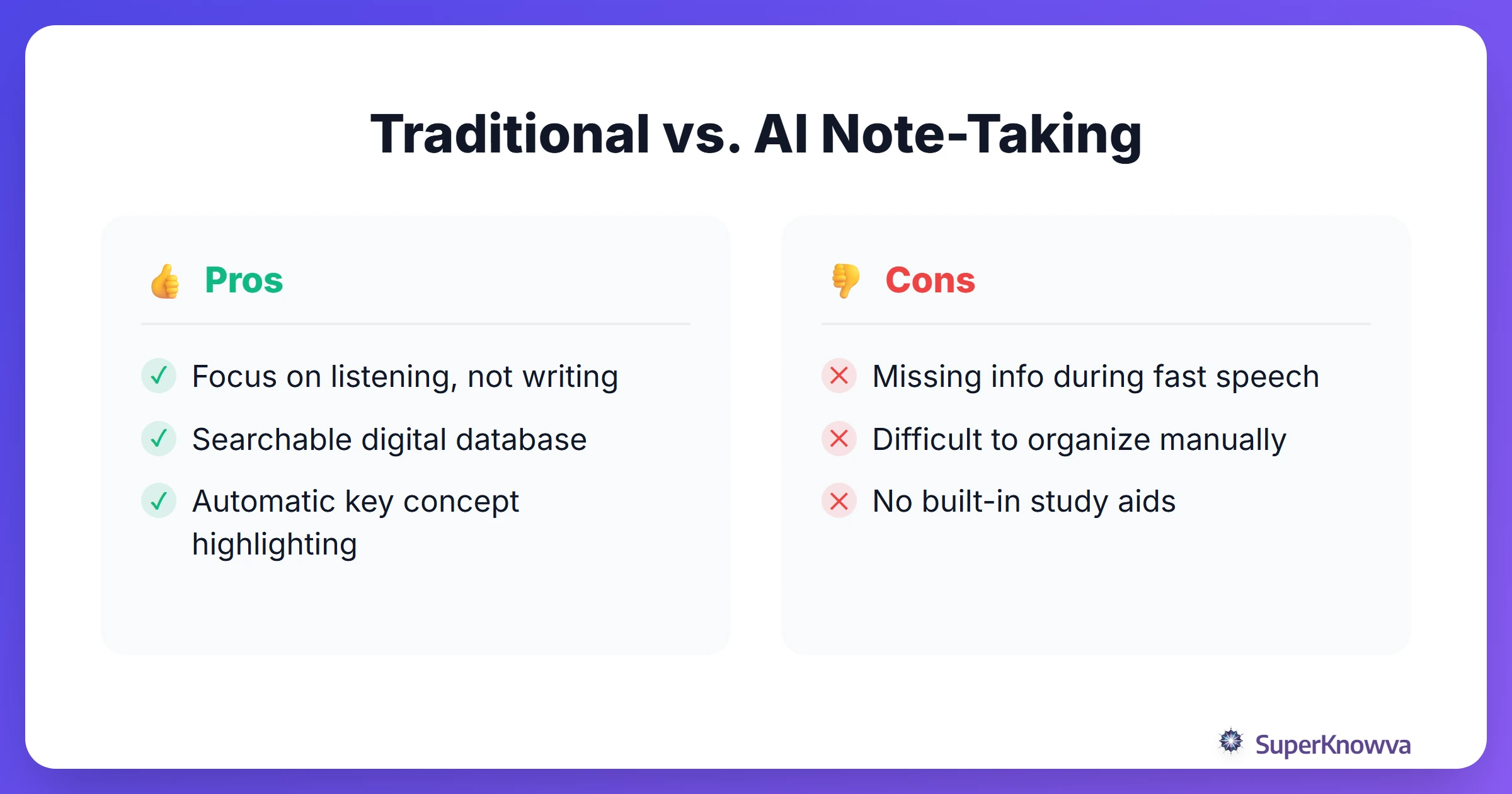
The struggle is real, and it usually looks like this:
- Total Brain Fog: You’re so focused on the spelling of a technical term that you miss the next three minutes of the explanation.
- The "Gap" Problem: A professor skips a slide or talks too fast, and suddenly your notes have a giant hole that you'll never be able to fill.
- The Post-Class Slump: Looking at a wall of messy text is exhausting. Most students end up procrastinating because "cleaning up" notes feels like a second job.
- Passive Learning: Just because it’s in your Google Doc doesn't mean it’s in your head. Recording information isn't the same as retaining it.
How AI Note-Taking Becomes Your Second Brain
Think of modern ai study tools as a personal assistant that sits in class with you. They handle the "capture" phase so you can stay present for the "comprehension" phase. By following a comprehensive guide to AI-powered note taking, you can stop worrying about the transcript and start focusing on the big ideas.
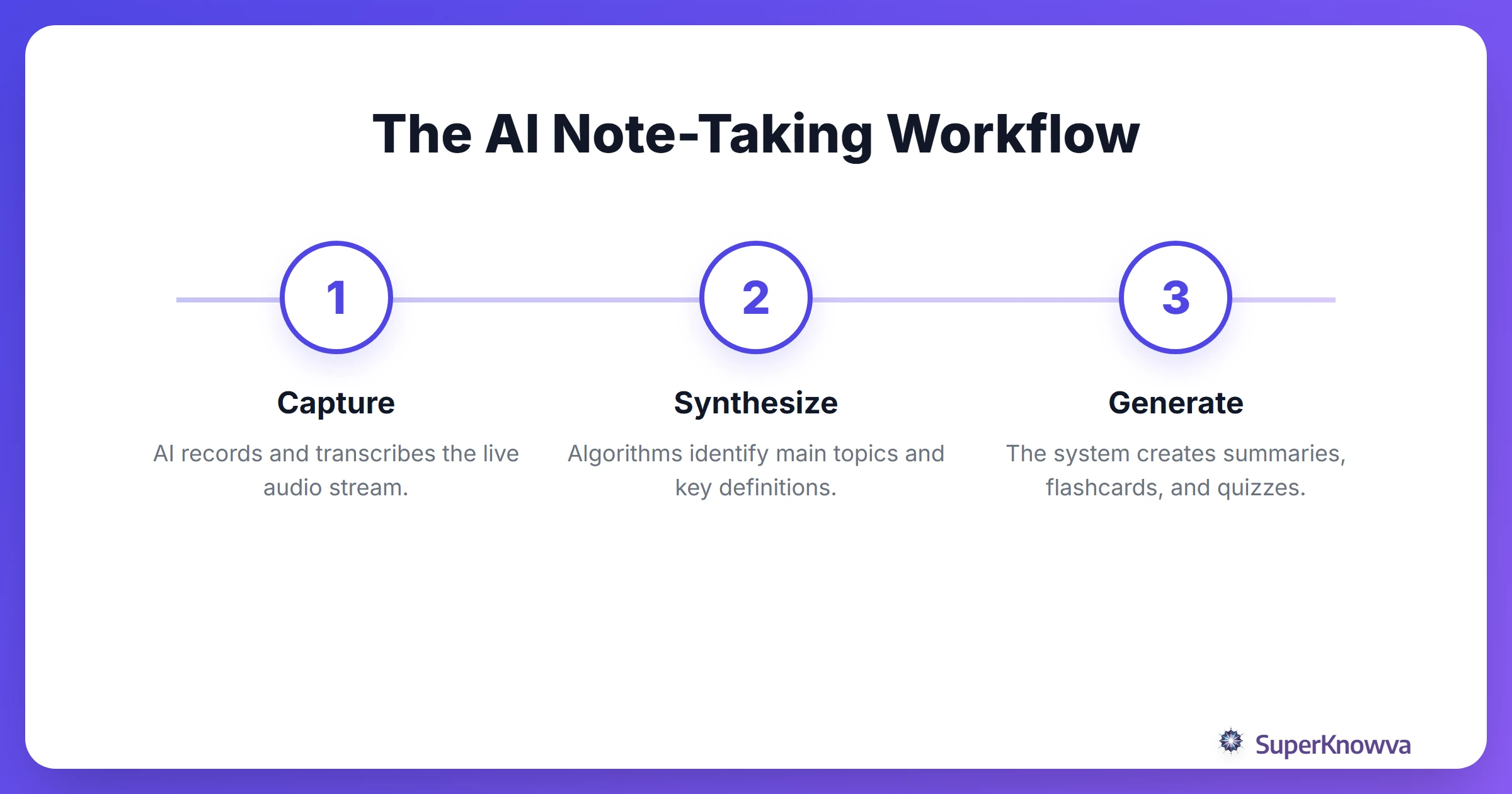
Here’s how the tech actually helps you win:
- Live Transcription: AI turns spoken words into searchable text in real-time. If you miss a definition, just glance at your screen.
- Concept Spotting: It doesn't just record words; it understands them. AI identifies key dates, formulas, and concepts, essentially highlighting your notes for you.
- The "TL;DR" Effect: Why spend an hour re-listening to a recording? AI can boil a 60-minute lecture down into a 5-minute executive summary.
- Instant Study Kits: The best tools go beyond text. They can automatically turn your lecture into a set of flashcards or a practice quiz before you even leave the room.
The Best AI Tools for the 2025/2026 School Year
The "right" tool depends on how you study. Are you looking for automated lecture notes or something that lives on your phone?
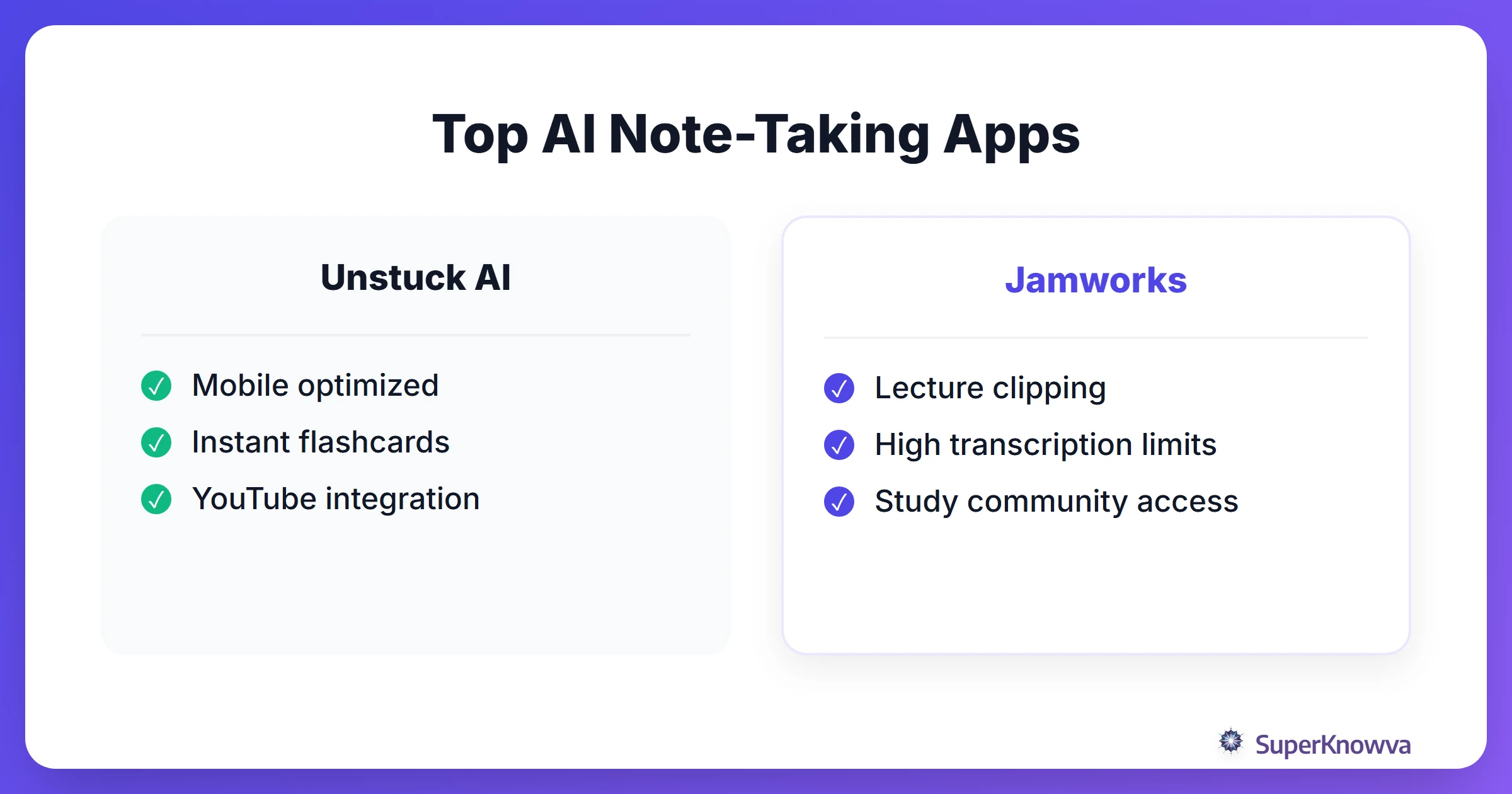
- Unstuck AI: This is the gold standard for students who are always on the move. Unstuck AI Note Taker is built for mobile, meaning you can record a lecture and have a full set of flashcards ready to review during your commute home.
- Jamworks: Great for those who get overwhelmed by big blocks of text. It breaks long lectures into "clips," letting you jump straight to the parts you actually need to review.
- Otter.ai: You’ll see this one everywhere, but be careful. While it’s great for business meetings, it often lacks the academic formatting and study-specific features that students actually need.
Before you buy, check out the best note taking apps for college students 2026 to see which ones offer the best student discounts.
Leveling the Playing Field: AI as an Accessibility Essential
The impact of ai for university students extends beyond being tech-savvy. For many, these tools are a lifeline. Digital note-taking is more than a convenience; it is an equalizer.
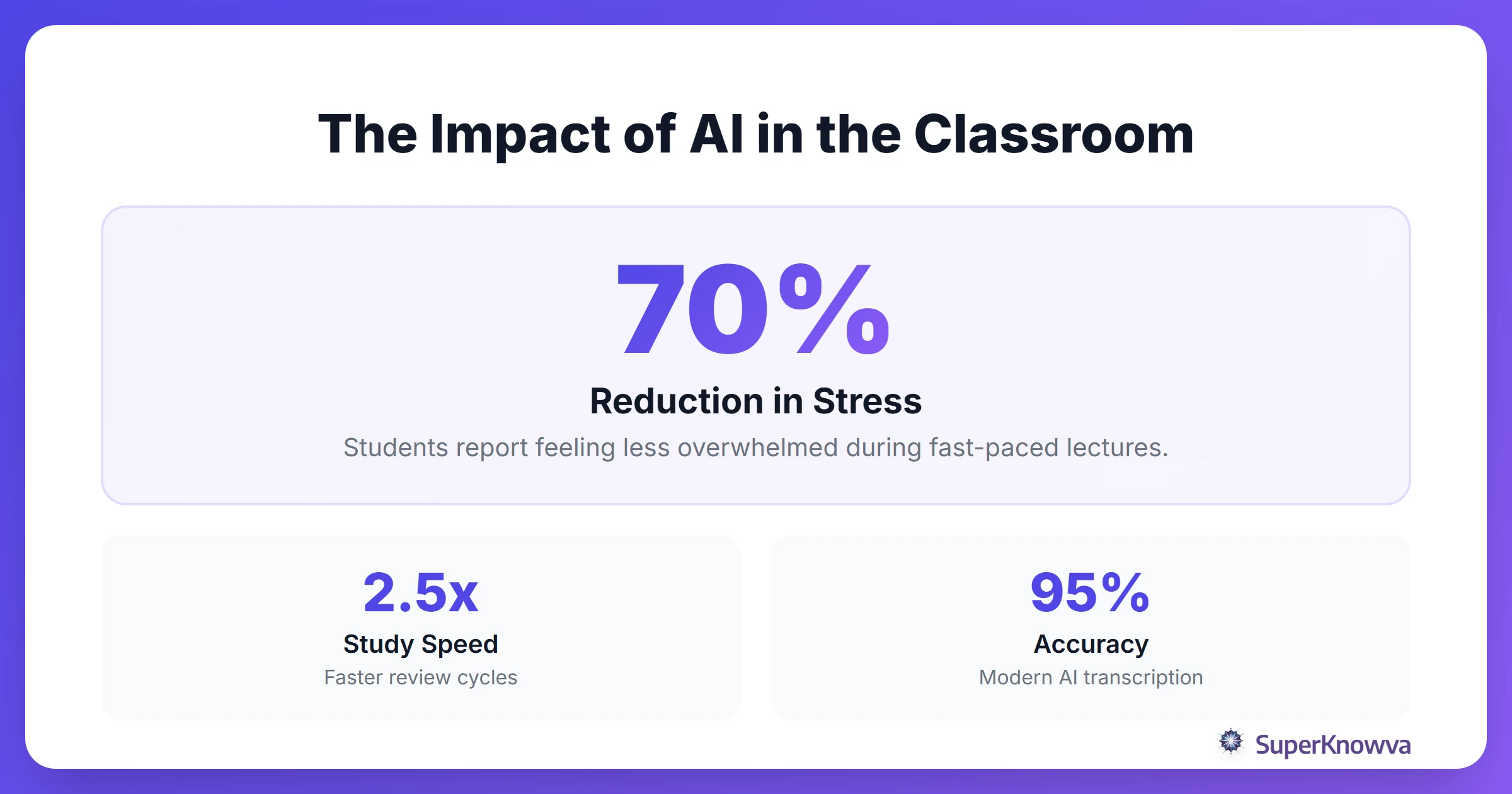
By supporting students with disabilities through AI, this technology is changing lives:
- ADHD & Dysgraphia Support: If you struggle to stay focused or find the physical act of writing painful, AI takes that weight off your shoulders. You can engage with the discussion without the anxiety of "falling behind" on the page.
- Independence from Peer Notes: Many R1 universities are moving away from hiring student note-takers. Why? Because AI provides more accurate, instant results that give students more autonomy.
- ESL Support: If English isn't your first language, keeping up with academic jargon is a nightmare. Having a real-time transcript helps bridge that language gap instantly.
The Rules of the Game: Ethics and Etiquette
AI is a superpower, but you have to use it responsibly. The world of digital note taking is still a bit like the Wild West in some departments.
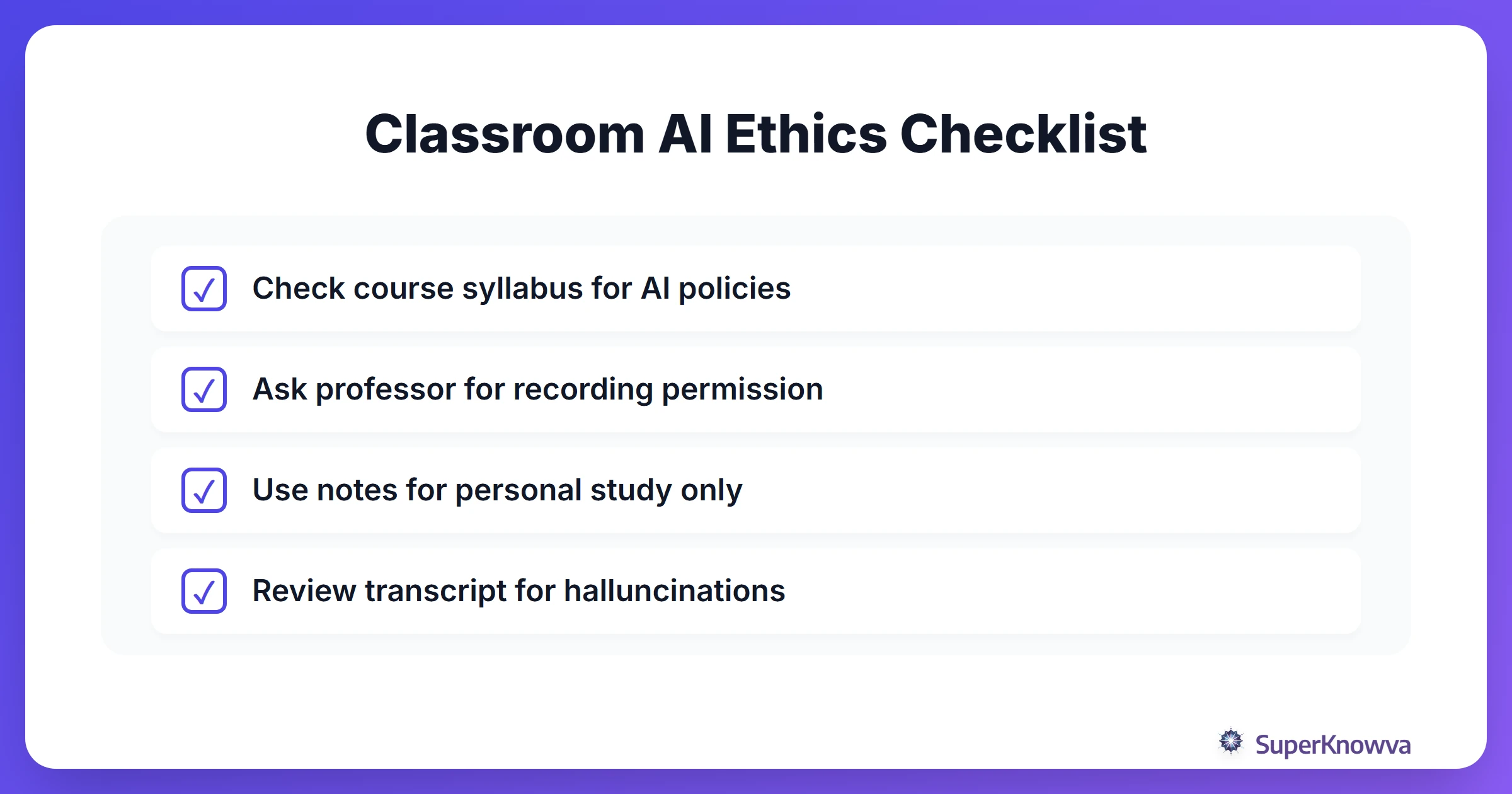
Before you press record, keep these tips in mind:
- Check the Syllabus: Some professors are protective of their lectures. If they consider their words intellectual property, they might have specific rules about recording.
- Just Ask: Whether you have a documented disability or just want to learn better, a quick conversation with your professor goes a long way. Explain how the AI assistant helps you stay engaged.
- Privacy Matters: Your data is valuable. Stick to reputable tools that won't sell your lecture transcripts to third parties.
- Know the Policy: Keep an eye on your university’s official stance. Some schools are leaning into AI, while others are still figuring out their "ban" vs. "encourage" lists.
Turning Notes into Knowledge: Your New Study Workflow
The goal of ai-note-taking-for-college isn't to have a perfect transcript. It is to master the material. You have to move from "capturing" to "knowing."
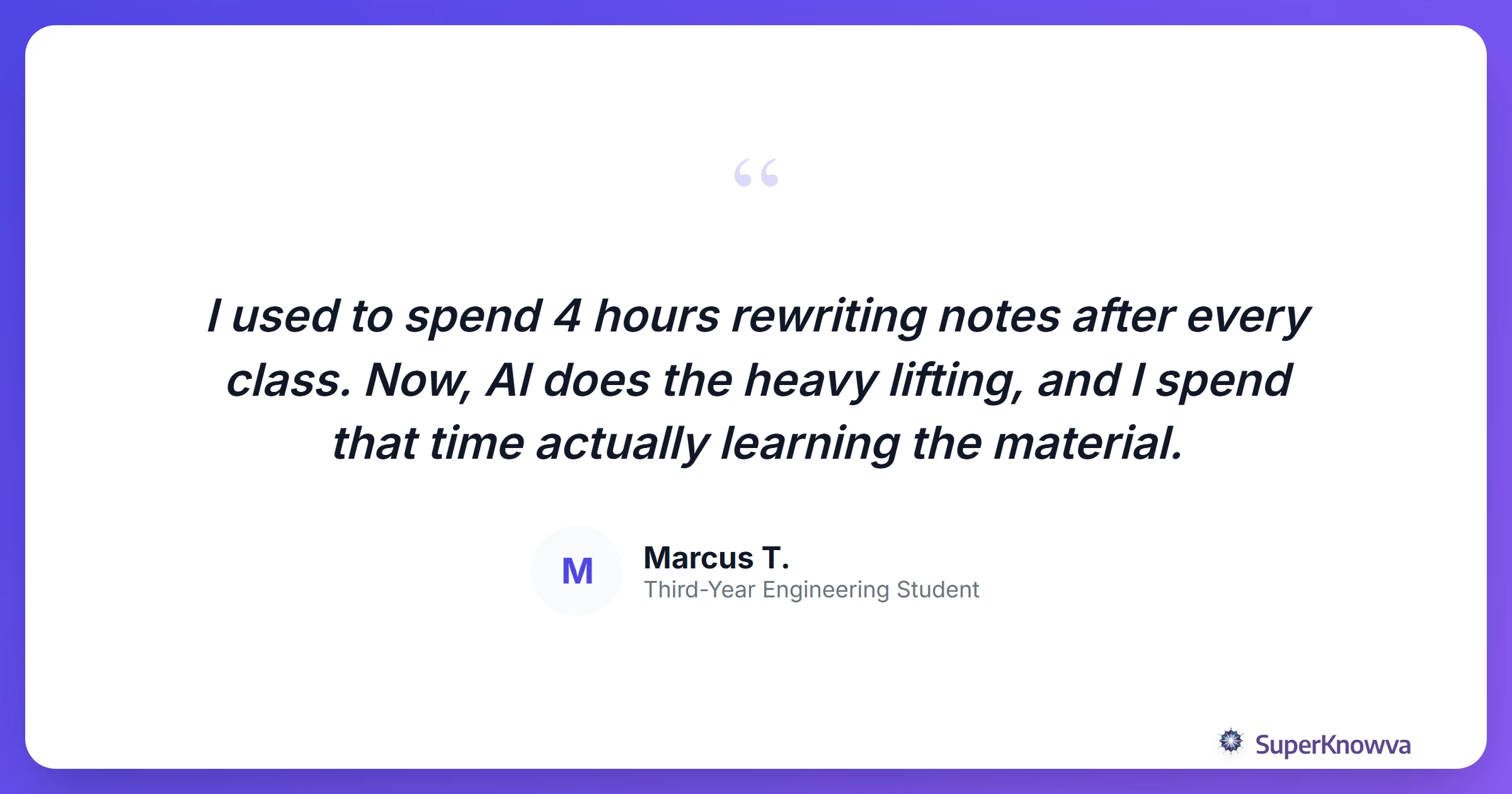
How do you make the most of it?
- Quiz Yourself: Don’t just read the AI summary. Use it to quiz yourself. If you can't explain a concept back to yourself, you don't know it yet.
- Spot the Weak Links: If the AI summary of a specific chapter looks like gibberish, that’s your signal. Revisit that part of the lecture or head to office hours.
- Fact-Check the Bot: AI is smart, but it can "hallucinate." Always double-check technical terms or complex formulas to make sure nothing got lost in translation.
- Build a Library: Use these tools to create a searchable digital library of your entire degree.
Whether you’re looking for AI tools for visual learners or you’re still finding the best learning style for your major, AI note-taking is the foundation. Stop writing, start listening, and let the tech handle the busy work.