You did it. You landed the internship. Now, you’re sitting in a high-stakes meeting where the AC is a little too cold and industry experts are dropping pearls of wisdom every thirty seconds. You want to look like a pro, but you're so busy scribbling down every word that you haven't looked up once, let alone contributed a single thought.
Does that sound like a recipe for a return offer? Probably not.
This is where ai note taking tools become your secret superpower. Instead of acting like a human tape recorder, you can use tech to capture the details while you stay focused on the actual conversation. This guide will walk you through how to use AI to own your meetings and seriously boost your internship productivity.
Why AI Note-Taking is an Intern's Secret Weapon
The biggest challenge for any new intern is "transcript anxiety," the constant, low-level panic that you’ll miss a deadline or a technical detail mentioned in passing. When you’re manually taking notes, you are just recording information. You're focused on the past (what was just said) rather than the present.
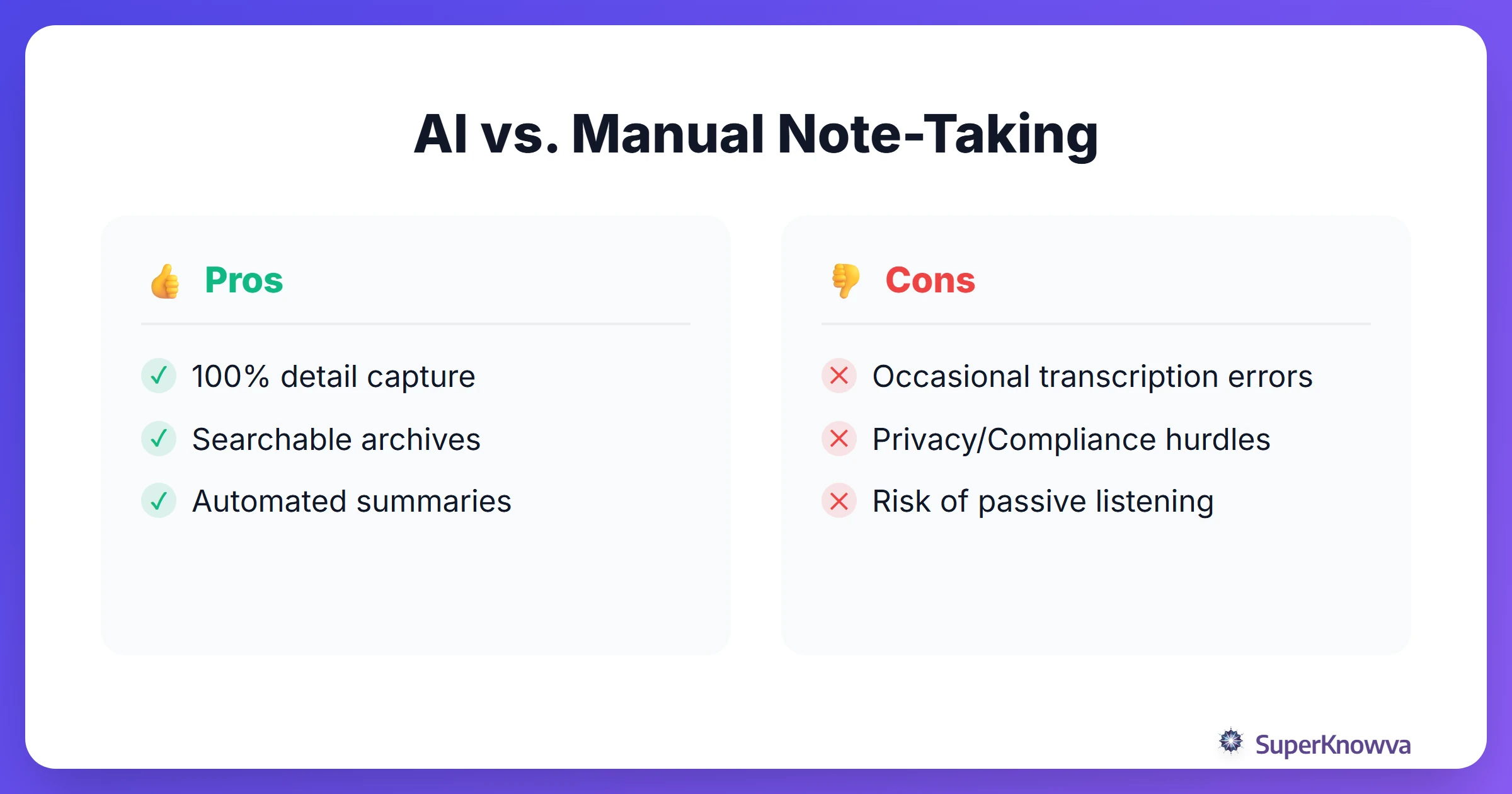
AI flips the script. By letting a tool handle the transcription, you can practice active listening. You can actually look your mentor in the eye, ask follow-up questions, and engage. Plus, these tools build a searchable database of your entire summer. Imagine it’s three weeks later and you need to find the "Q3 marketing goals." Instead of flipping through a messy notebook, you just type it in and find the exact quote instantly.
Top AI Tools for Virtual Meetings: Zoom, Teams, and Meet
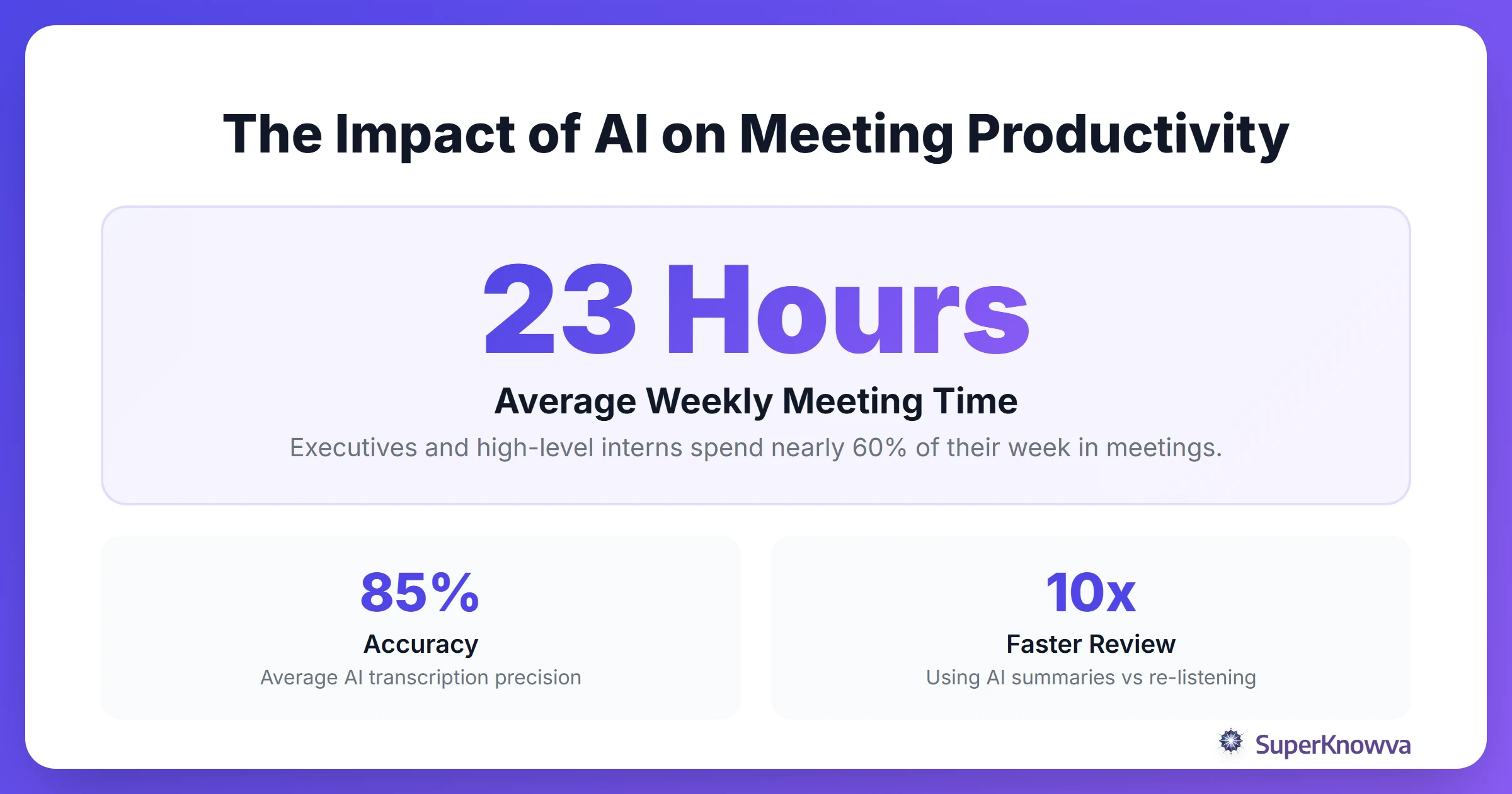
Most internships today are a blur of virtual calls. To survive the "Zoom fatigue," you need tools that plug directly into your workflow to provide ai meeting summaries and automated transcription.
- Otter.ai: This is the gold standard for real-time transcription. You can highlight key points while the meeting is still happening, which is a lifesaver for team syncs.
- Circleback: If you need high-quality speaker recognition, this is it. It doesn't just record; it understands the "vibe" and context of the meeting. Recent testing by Time Charter ranks Circleback as a top-tier choice for professional settings.
- Fireflies.ai: The ultimate "power user" tool. It automatically pulls out action items and can even send them straight to your project management boards in Notion or Trello.
Mastering In-Person Meetings and 1-on-1s
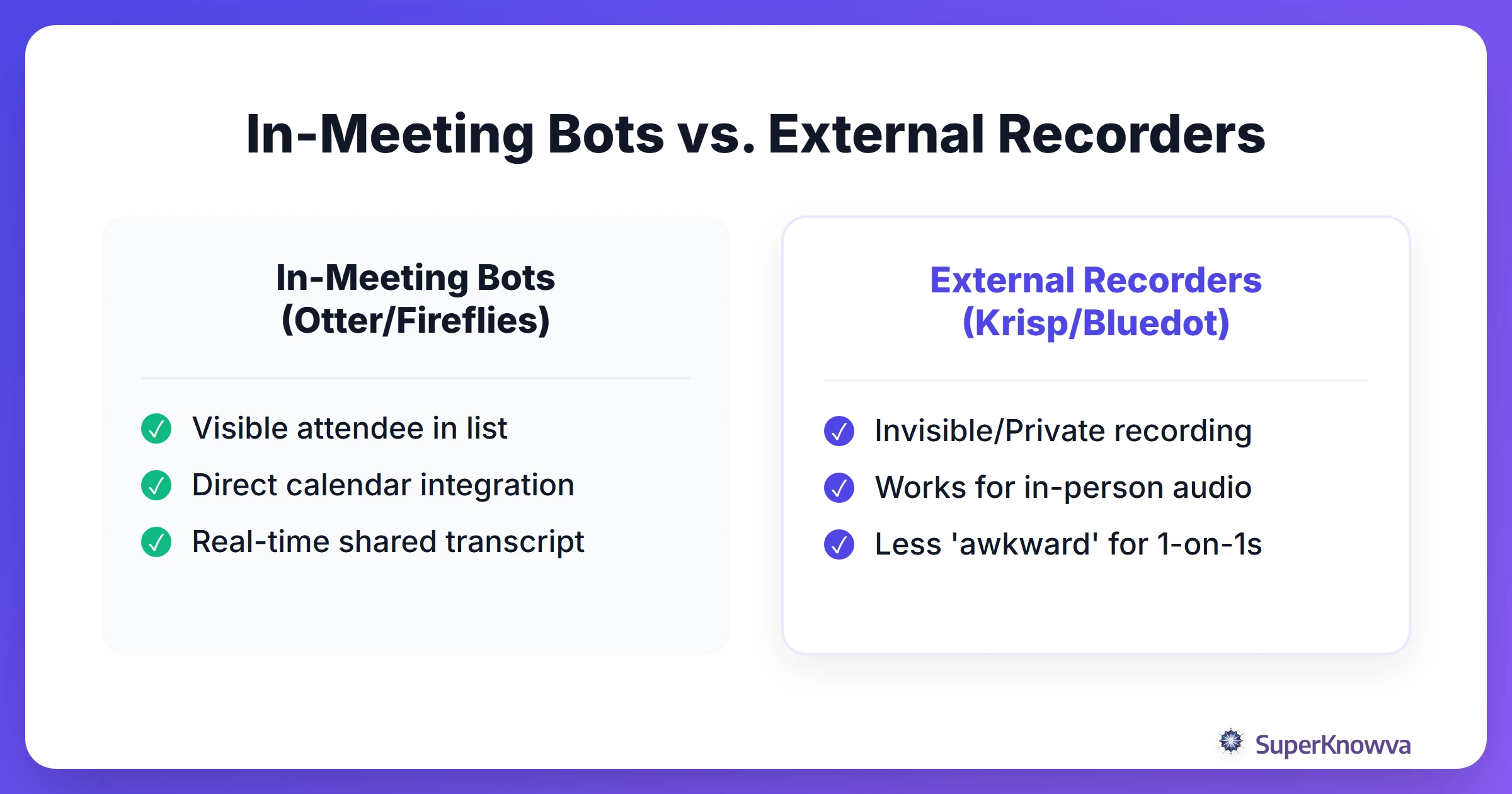
Not every meeting happens behind a screen. Sometimes you’re grabbing coffee, doing a site visit, or having a "walk-and-talk" with a manager. In these moments, inviting a "bot" to the calendar can feel a little clunky or even awkward.
Tools like Bluedot and Krisp are excellent options here. They offer recording features that don't require an obvious bot attendee. If you’re on the move, use their mobile apps. Recording a quick audio memo during a site visit ensures you don’t lose those "off-the-cuff" insights that usually turn into the best project ideas.
Summarizing Multimedia: Podcasts, YouTube, and Training Videos
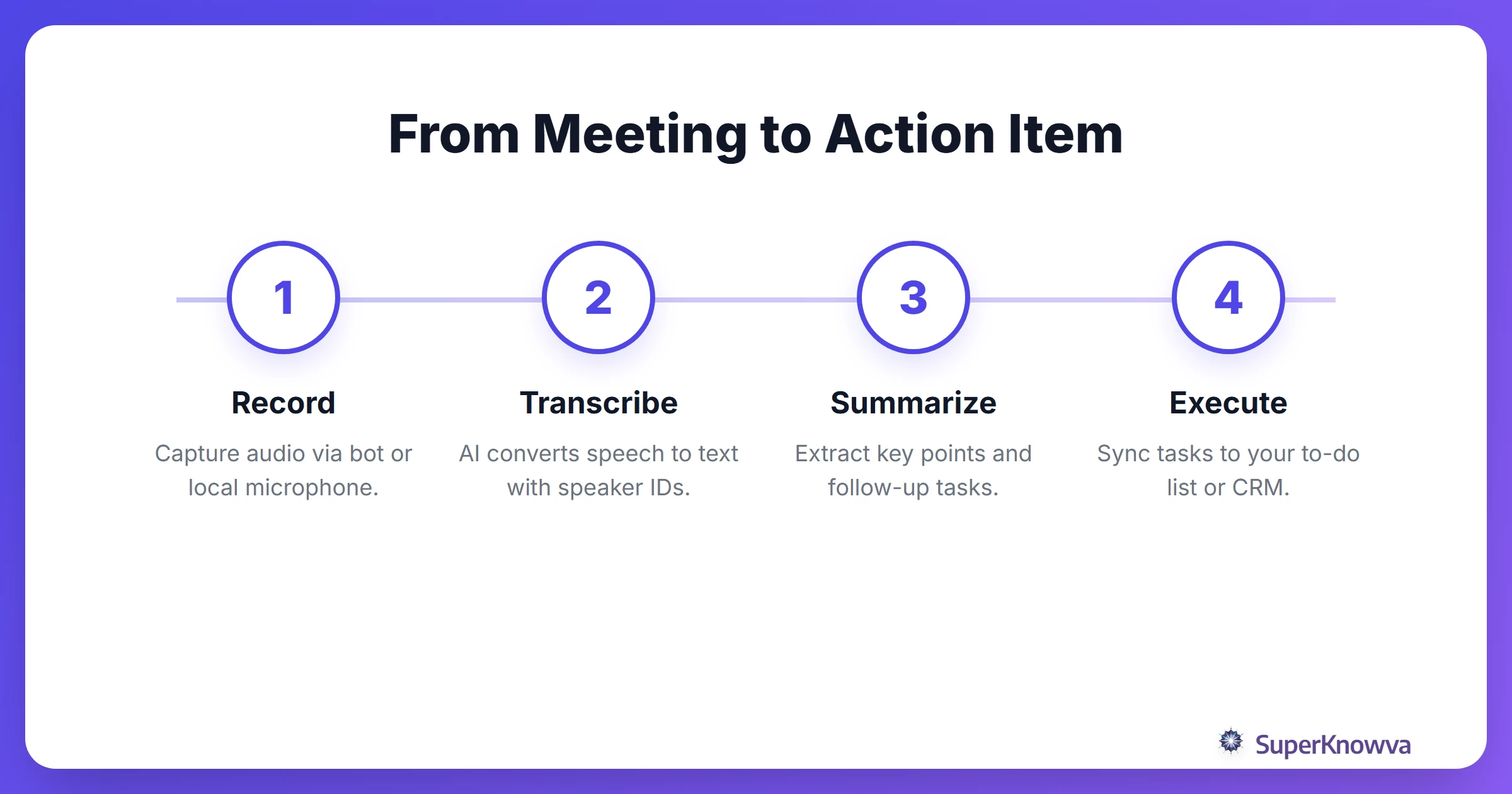
Internships usually come with a steep learning curve. You might be assigned hours of industry training or asked to research competitors on YouTube. While you still need solid textbook note-taking strategies for your deep technical reading, AI can handle the multimedia heavy lifting.
Use AI tools to digest long webinars in minutes. Instead of sitting through a two-hour recording, generate a structured study guide or a list of key takeaways. This turns passive listening into an actionable guide you can actually use. For more help with your digital toolkit, check out the best study apps for 2026.
Privacy, Ethics, and Professionalism
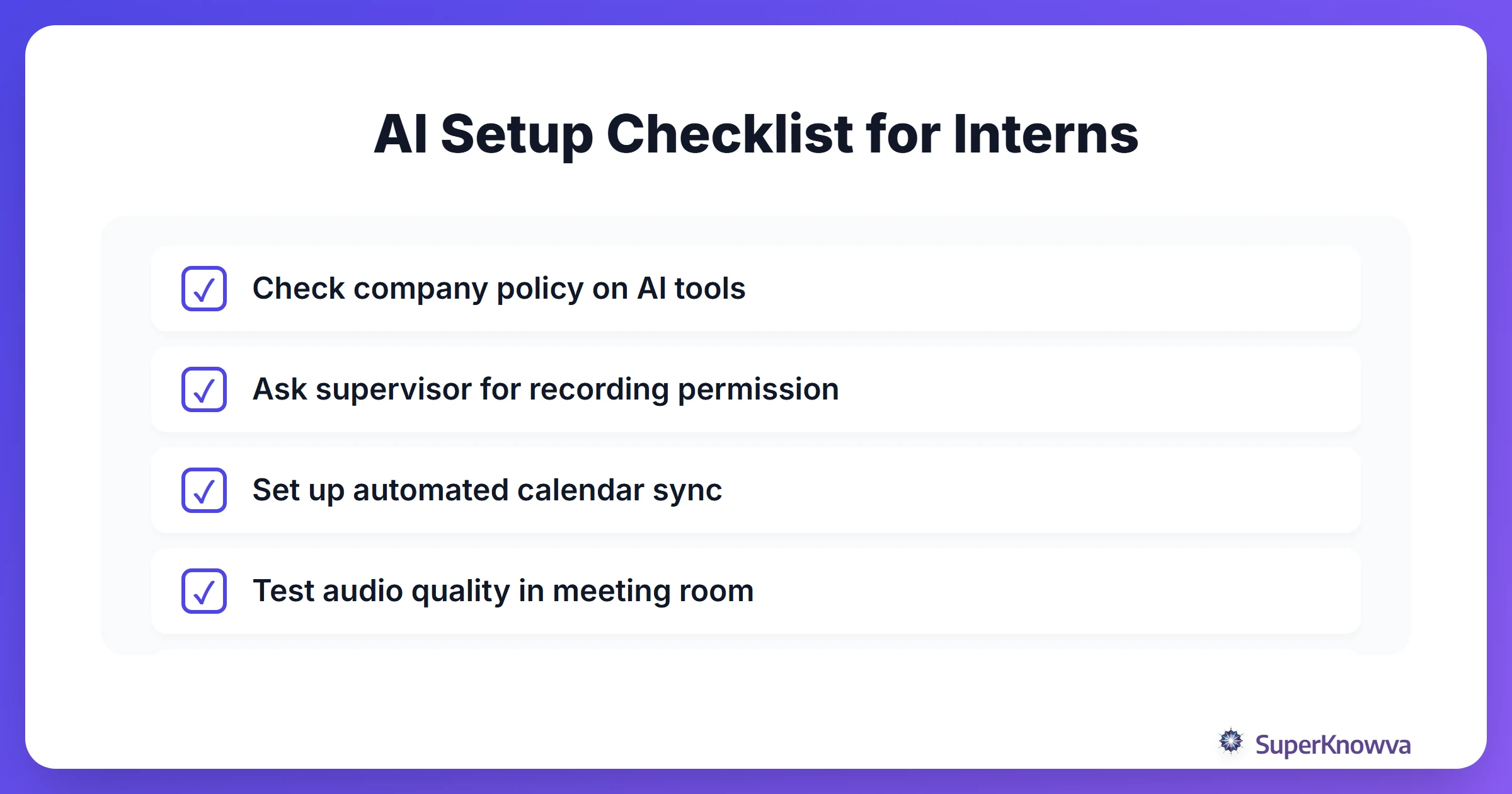
Wait! Before you hit "record," you need to read the room. Privacy and ethics are non-negotiable.
Never record a corporate meeting without asking first. A simple, polite request goes a long way: "Do you mind if I use an AI note-taker? I want to make sure I'm fully present for our conversation and don't miss any of your feedback." Most managers will be impressed by your initiative.
Also, respect NDAs. Some firms have strict rules about where data is stored. Experts have tested dozens of tools to find the ones that respect data privacy and produce reliable summaries. Present the tool as a productivity asset. This shows you care about accuracy and efficiency.
Best Practices for Reviewing and Verifying AI Notes
AI is smart, but it’s not perfect. It can hallucinate, misspell technical jargon, or mix up names. This is why you must use the "Human-in-the-Loop" method.
Never, ever send an AI-generated summary to your boss without a quick proofread. The real magic happens when you take that raw summary and polish it into a professional follow-up email. It proves you were paying attention and are ready to execute.
If you're feeling overwhelmed after a long day, use the 5-minute rule just to get the review started. These tools help you balance work and life during a busy summer. They help you excel at the office without burning out by 5:00 PM.
By weaving ai note taking tools into your daily routine, you stop being the "intern who takes notes" and start being the "intern who takes action." Start small, stay professional, and watch your impact grow.